 ASPNetWorld

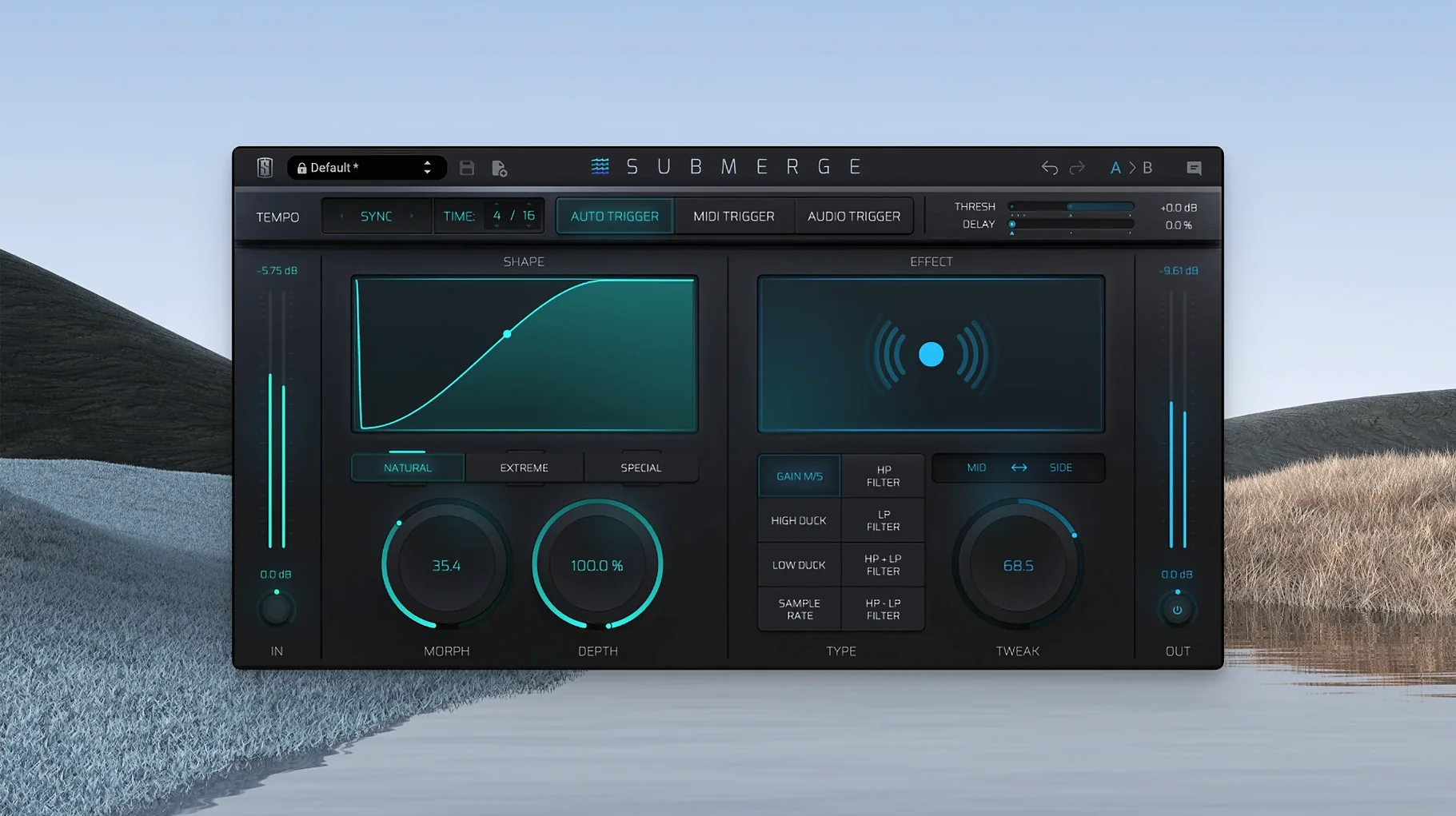
Electronic producers and mix engineers who live for that tight, rhythmic interplay between kick and bass will feel right at home with Submerge. It’s the kind of plug-in you reach for when you want the low end to breathe around the drums but you’d rather not spend fifteen minutes setting up a ghost kick and a bus send just to get the compressor listening to the right signal.
What shapes the movement
The ducking character hangs on three curve types. Natural gives you the transparent, gain-riding feel of a clean broadband compressor — the bass dips and returns without announcing itself. Extreme pushes into harder, more audible territory, almost like a slow-motion gate that makes the pumping part of the arrangement. Custom lets you draw your own envelope, so you can have a fast attack and a lazy release tail that suits a pad or a reverb wash. Alongside the curves sit eight built-in effects: high-pass and low-pass filtering let you carve out exactly which frequencies the sidechain ignores, while sample-rate reduction adds a crunchy, lo-fi edge that can turn a clean synth stab into something that sounds like it’s being fed through a dusty sampler. Triggering comes from either an external audio signal — the traditional kick drum ducking the bass — or MIDI notes, which opens the door to programmed ducking patterns that don’t rely on audio at all.
Why it feels different
What makes Submerge click in a session is the absence of routing gymnastics. In a typical DAW you’d be creating auxiliary tracks, assigning sidechain inputs and checking your delay compensation. Submerge collapses all of that into the plug-in itself. You pick your trigger mode, dial in the curve, maybe add a touch of filtering so the ducking only bites below 120 Hz, and the whole thing just works. The effect can be as surgical or as messy as the mix calls for — tight four-to-the-floor bounce one minute, woozy half-time warble the next — and because it’s Apple Silicon native, it slots into an M-series Mac without a compatibility hiccup.
Imagine a producer who builds dense, melodic house — the kind where a sustained sub-bass line and a punchy kick share the same octave. She’s already carved out EQ space, but the low end still feels cluttered. Dropping Submerge onto the bass channel with the audio trigger set to her kick drum immediately tightens the relationship. She switches the curve to Custom and draws a quick dip with a sharp release, so the bass pumps back in just behind the transient. The result is a groove that feels glued without sounding squashed, and she can focus on arrangement instead of routing.
The bass group starts moving the moment you set the trigger to Auto
Let’s walk through a typical ten‑minute stretch with Submerge on a mix that’s already balanced but lacks movement.
- Insert and listen. Place Submerge on the bass group, load the default setting and set the trigger to Auto. The tempo‑synced ducking immediately pulls the bass down on every beat, which is too rigid for this track — but it confirms the plug‑in is reading the session correctly.
- Choose the trigger. Switch to Audio trigger and feed it from the kick drum channel. Now the ducking follows the actual kick pattern, including the off‑beat hits in the second bar that Auto would have missed.
- Shape the curve. Start with Natural and lower the Threshold until the bass ducks by about 6 dB on each kick hit. Increase Speed slightly so the recovery feels snappy. The groove tightens, but the tail of the bass note still lingers a fraction too long.
- Add filtering. Engage the low‑pass effect and set it around 150 Hz. The sidechain circuit now only reacts to the weight of the kick, ignoring the clicky attack that was causing unnecessary ducking on the high‑frequency content of the bass.
- Fine‑tune with Tweak. Use the Tweak control to nudge the timing of the ducking envelope a few milliseconds earlier. This pulls the bass out of the way just before the kick transient lands — a tiny move that makes the low end feel more open without losing perceived loudness.
- Mid/Side check. Switch to Mid/Side processing and apply ducking only to the mid channel. The stereo width of the bass remains intact while the centre information breathes around the kick. The track now has a subtle, headphone‑friendly width that wasn’t there before.
Hold Shift to invert the curve and turn ducking into a pulsing swell
One detail that’s easy to overlook is how holding Shift inverts the curve. Instead of ducking, Submerge pushes the signal up on every trigger — a trick that turns a reverb return into a pulsing swell or makes a pad rise around a snare hit. It’s the kind of feature you stumble across while trying to fine‑tune Depth and suddenly find a new movement you didn’t plan.
The Morph control also rewards experimentation. It blends between the current curve shape and a smoothed‑out version, so you can take an aggressive Extreme curve and soften its personality without redrawing anything. When you’re working quickly on a slate digital mac torrent‑sourced collection of plug‑ins, little time‑savers like that keep the session flowing. The MIDI trigger mode, meanwhile, lets you programme ducking patterns on a blank MIDI clip — useful for creating rhythmic stutter effects on a vocal chop or a synth arp, completely independent of any audio track. If you’ve ever hunted around for a slate digital crack mac solution just to test a new creative idea, having that MIDI flexibility built right into Submerge means you can sketch out pumping patterns during the writing stage rather than fixing them in the mix. And because the plug‑in stores its state with your DAW session, recalling a project months later won’t leave you wondering which slate digital torrent folder held the original settings.
- macOS 11 or later
- Apple Silicon (ARM) processor
Questions I keep hearing
What is the difference between the Natural and Extreme curve types?
Natural applies smooth, transparent gain reduction that stays out of the way, while Extreme produces a more pronounced, audible pumping effect that deliberately draws attention to the ducking.
Does Submerge only react to audio signals?
No, it can be triggered by an external audio signal or by MIDI notes, so you can program ducking patterns independently of the audio on the track.
Can I filter which frequencies trigger the sidechain?
Yes, the built-in high-pass and low-pass filters let you isolate a specific frequency range so the ducking only responds to, say, the thump of a kick drum below 100 Hz.
Questions from the class 0
Sign in or join the class to ask a question.
Nobody has asked anything yet. If you have used it on a real job, say what the file did.
Also on the VST Plugins shelf
The whole VST Plugins shelf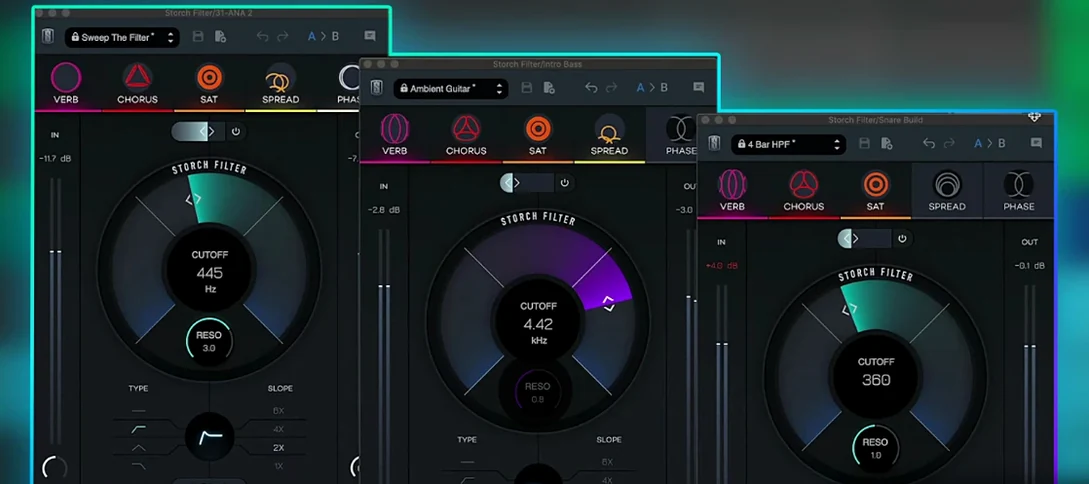 Slate Digital Storch Filter
Sweeps, stutters and shimmers a sound through a single musical filter interface.
Slate Digital Storch Filter
Sweeps, stutters and shimmers a sound through a single musical filter interface.
 Slate Digital Murda Melodies
Processes audio with a chain that shifts from subtle warmth to a crushed, distorted texture.
Slate Digital Murda Melodies
Processes audio with a chain that shifts from subtle warmth to a crushed, distorted texture.
 Slate Digital Fresh Air
Opens up the top end of a track with two simple knobs that add presence and shine.
Slate Digital Fresh Air
Opens up the top end of a track with two simple knobs that add presence and shine.
 Sonic Academy KICK
Designs a kick drum from a synthesised sub layer and sampled click layers you tune by ear.
Sonic Academy KICK
Designs a kick drum from a synthesised sub layer and sampled click layers you tune by ear.
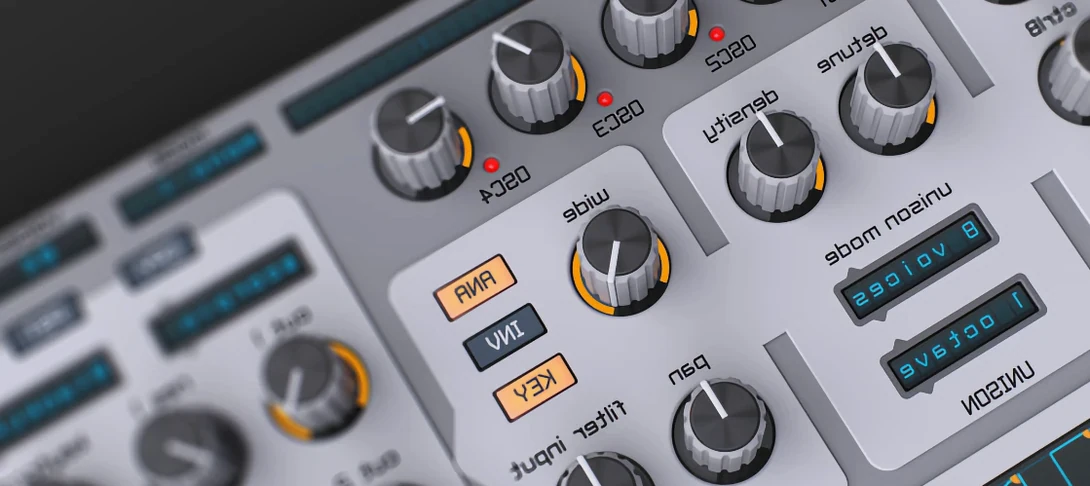 Spire
Synthesises rich virtual analogue sounds.
Spire
Synthesises rich virtual analogue sounds.
 SSG Audio Optimus
Masters audio with intelligent spectral assistance.
SSG Audio Optimus
Masters audio with intelligent spectral assistance.
 ShaperBox
Applies three bands of rhythmic effects to add movement to drums, pads or vocals.
ShaperBox
Applies three bands of rhythmic effects to add movement to drums, pads or vocals.
 Steinberg SpectraLayers Pro
Edits audio spectrally and visually.
Steinberg SpectraLayers Pro
Edits audio spectrally and visually.