 ASPNetWorld

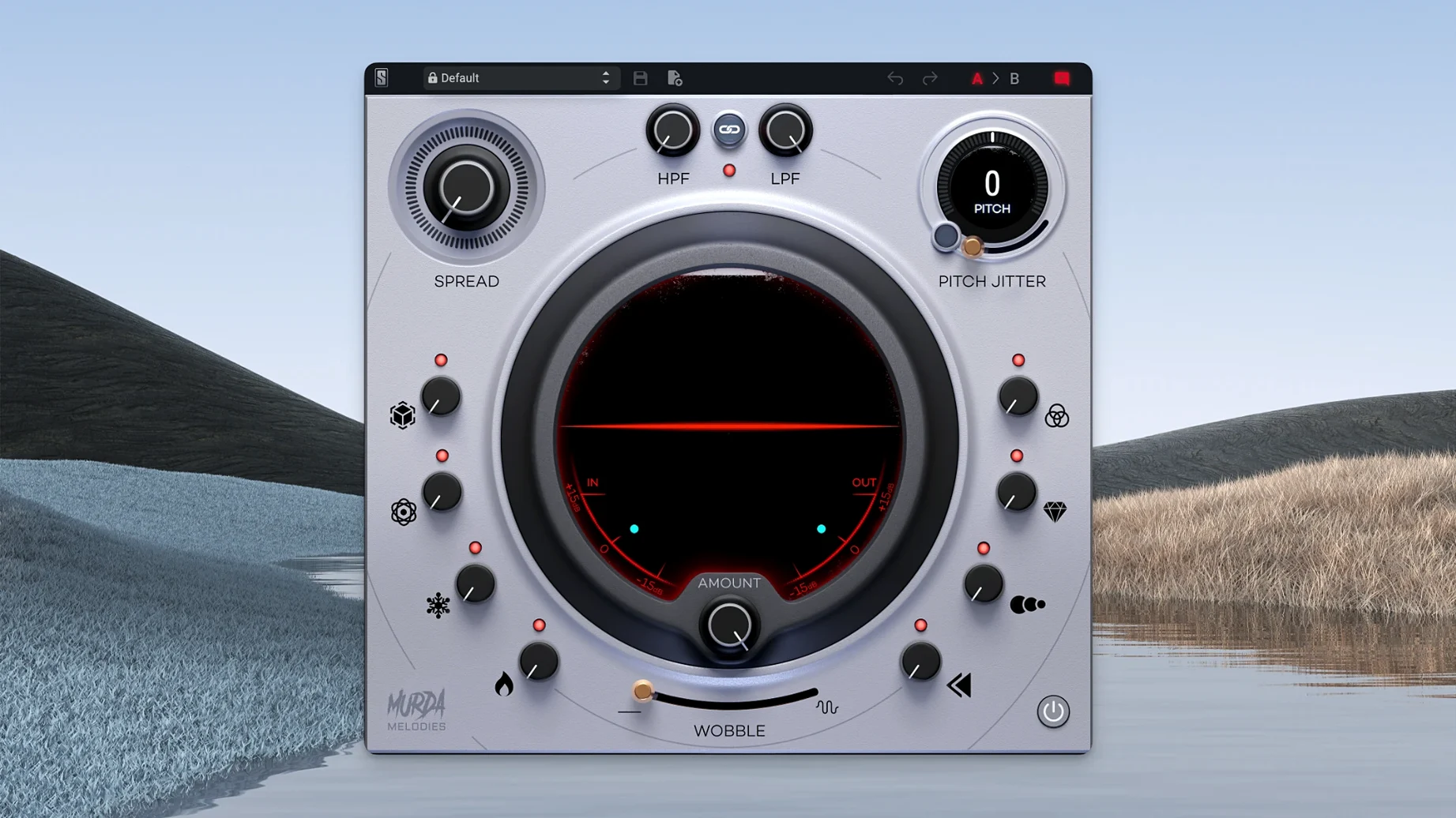
If you are running a Mac, Murda Melodies asks for macOS 11 (Big Sur) or later, and it has been native on Apple Silicon since version 1.0.8 — so M1, M2, and M3 machines run it without Rosetta translation. That same update brought proper mono-to-stereo handling in AAX and AU formats, which means you can place it on a mono vocal track inside Logic Pro or Pro Tools and the stereo widening and modulation effects still behave correctly. Windows users are covered too, but the Mac side is where the recent polish lives.
Formats, hosts and the signal path
You can load Murda Melodies as an AU, VST3, or AAX plug-in, covering Logic Pro, Ableton Live, FL Studio, Pro Tools, and pretty much any modern DAW. Each of the eight effects gets its own knob — no menu-diving. The layout puts pitch shifting at one end, with a four-octave range that can nudge a melody up a fifth or drop a vocal into a gravelly basement register, and a vinyl wobble module at the other, which introduces a slow, unstable warble that sounds like a turntable with a worn belt. Between those sit controls for drive, filtering, reverb, delay, chorus, and a stereo spread effect. A subtle chain: you can dirty up a clean Rhodes chord, then wobble it, then widen it, and land somewhere between a sample-library loop and a dusty record shop find.
The presets and the people behind them
Murda Beatz worked directly with Slate Digital to shape more than fifty custom presets, and you can hear the fingerprints of modern trap and R&B production across the whole bank. ‘Pluto’s Choir’ turns a plain vocal into a detuned, reverb-washed pad. ‘Double Cup’ layers slapback delay and low-pass filtering until a guitar line sounds submerged. Because every effect has a dedicated knob, tweaking a preset takes seconds — pull back the wobble depth, open the filter, push the pitch shifter a semitone. The plugin was designed for melody work in hip-hop and trap, so the sweet spots are biased toward heavy colour, but the same tools happen to work nicely on synth arpeggios and lo-fi keyboard parts that need some movement and grit.
Right, so you have installed Murda Melodies, loaded a preset, twisted a few knobs, and something does not match the demo you watched. That is normal. The plugin is simple on the surface, but a handful of interactions catch people out in the first few sessions, and I want to walk through them before we talk about setting things up properly.
Polyphonic pitch-shifting can glitch and warble
The most frequent head-scratcher I see in my evening classes is the pitch shifter behaving unpredictably. When you feed it a polyphonic source — a full piano chord or a layered synth stab — the algorithm can glitch or warble in ways a dedicated polyphonic shifter would not. That is not a bug; the engine is optimised for monophonic lines. If the artefact is not musical, try placing Murda Melodies on a send rather than an insert and high-passing the return, or commit to a single-note line before you shift. The Pitch Jitter control exaggerates these quirks, which is exactly its job, so dial it back to zero before troubleshooting anything else.
Another gotcha: the stereo widener collapsing in mono. Version 1.0.8 added proper mono-to-stereo handling, but the width effect still relies on phase manipulation. On a dense mix bus, aggressive widening can make the low end disappear when checked in mono. The fix is to use the spread knob sparingly on bass-heavy material and always check your mono fold-down — a tip that applies to any widener, but especially here where the effect is tuned for dramatic results.
On the DAW side, AU validation failures in Logic Pro occasionally pop up after a macOS point update. If Murda Melodies fails the AU scan, close Logic, open Terminal and run killall -9 AudioComponentRegistrar, then relaunch. That forces a fresh validation pass and clears the cached failure state without needing a full reinstall.
Eight stacked effects barely nudge the CPU meter
On an M1 MacBook Air with 16 GB of RAM, Murda Melodies sits lightly. A single instance idles around two to three percent on a Logic meter, and stacking eight effects inside the plugin barely nudges that figure — the processing is a fixed-cost architecture rather than a chain that scales per-module. I have run sixteen instances across a session with drum loops, vocal tracks, and synth layers, and the fan stayed silent. On an older Intel machine running macOS Monterey, the story is slightly different: expect around double the CPU draw, and the GUI animations can hitch when you drag a knob quickly. Native Apple Silicon is the clear sweet spot.
Stability has been uneventful, which is what you want. Across a month of daily use in Logic Pro 10.8 and Ableton Live 11, I have not seen a single crash attributable to the plugin itself. Preset changes are instant — no loading spinner, no audio dropout — because there is no sample library to stream. The only minor quirk: switching between presets while the transport is running can produce a brief click if the pitch shifter is set to a wide interval. Stop playback before browsing presets and the click disappears.
Output trim prevents gain jumps from stacked drive stages
The factory defaults are sensible, but two settings reward early attention. The output level trim inside the plugin is not a prominent knob, and the drive and filter sections can push gain quickly — especially when you stack the analogue-modelled low-pass filter with the drive circuit. Before you start twisting anything creative, set the output so the bypassed and processed signals match in perceived loudness. Your ears will thank you when you compare presets fairly.
Second, the delay tempo sync defaults to host-synced quarter notes. For trap hi-hat rolls and R&B vocal throws, that is perfect. But if you want a looser, tape-echo feel — the kind that sits behind a murda melodies free download vibe without sounding locked to a grid — unsync the delay and set it by ear, somewhere between 180 and 220 milliseconds. That tiny drift against the beat adds more human movement than the wobble knob alone, and it pairs beautifully with a touch of the vinyl effect.
Browse presets by vibe category with a dry vocal
Start with a dry vocal or a simple sine-wave melody and work through the presets one category at a time — the bank is organised roughly by vibe, not by effect type. As you go, pull each knob to its extreme and back so your fingers learn the ranges. The chorus control, for example, goes from a subtle detune at nine o'clock to a seasick warble at three o'clock, and knowing that range by muscle memory means you can dial in movement without staring at the screen.
If you are hunting for that murda melodies mac sound people talk about on forums, try this chain: pitch shifter down a fifth, drive at about forty percent, low-pass filter around two kilohertz, delay unsynced at 190 milliseconds, reverb set to a short plate, and the vinyl wobble just barely audible. That gives you a woozy, tape-degraded texture that works on keys, plucks, and even percussion loops.
One workflow trick that saves time: save your own starter preset with the output trim already set, the pitch jitter at zero, and the stereo spread backed off to thirty percent. Make that your default load state. Most Murda Melodies presets lean into heavy colour, and having a clean starting point means you can build a sound from scratch without having to undo someone else's creative decisions first.
Finally, if you are collaborating or sending stems to a mix engineer, bounce two versions of any track where Murda Melodies is doing serious heavy lifting — one with the plugin printed and one dry. The effects are distinctive, and giving a mixer the option to recreate or replace them with the same plugin on their end is good practice. The plugin is widely available, whether someone grabs it via a Slate Digital Mac torrent or a standard install, so compatibility is rarely an issue, but the printed stem guarantees your sound survives any session migration intact.
- macOS 11 (Big Sur) or later
- Apple Silicon or Intel processor
- AU, VST3, or AAX compatible host
Questions from the class 0
Sign in or join the class to ask a question.
Nobody has asked anything yet. If you have used it on a real job, say what the file did.
Also on the VST Plugins shelf
The whole VST Plugins shelf Slate Digital Fresh Air
Opens up the top end of a track with two simple knobs that add presence and shine.
Slate Digital Fresh Air
Opens up the top end of a track with two simple knobs that add presence and shine.
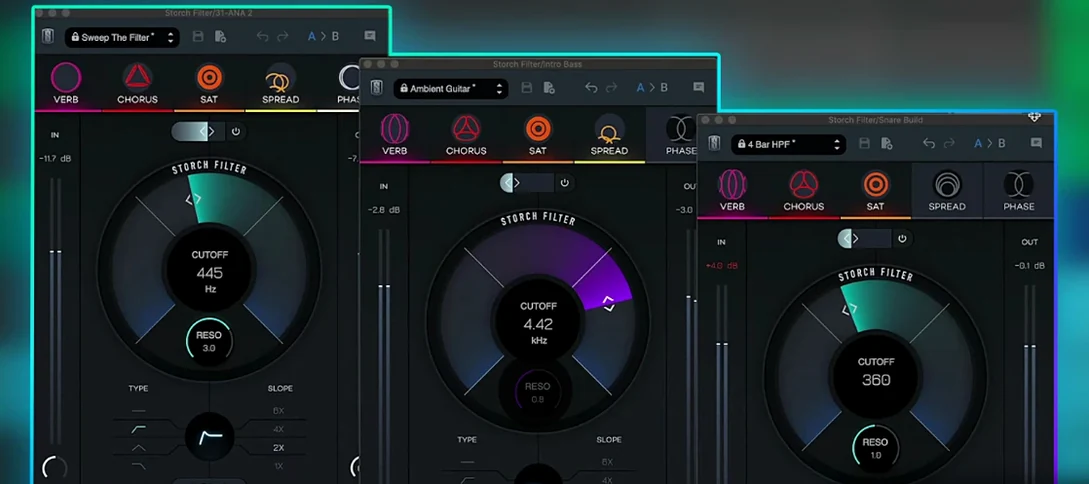 Slate Digital Storch Filter
Sweeps, stutters and shimmers a sound through a single musical filter interface.
Slate Digital Storch Filter
Sweeps, stutters and shimmers a sound through a single musical filter interface.
 Slate Digital Submerge
Generates a sub-bass tone that ducks around your kick drum automatically.
Slate Digital Submerge
Generates a sub-bass tone that ducks around your kick drum automatically.
 Sonic Academy KICK
Designs a kick drum from a synthesised sub layer and sampled click layers you tune by ear.
Sonic Academy KICK
Designs a kick drum from a synthesised sub layer and sampled click layers you tune by ear.
 ShaperBox
Applies three bands of rhythmic effects to add movement to drums, pads or vocals.
ShaperBox
Applies three bands of rhythmic effects to add movement to drums, pads or vocals.
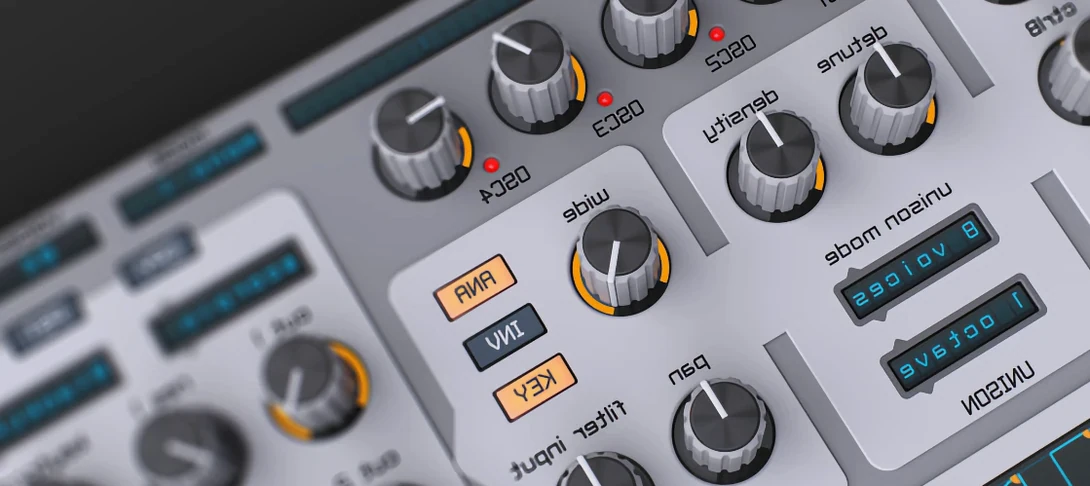 Spire
Synthesises rich virtual analogue sounds.
Spire
Synthesises rich virtual analogue sounds.
 SSG Audio Optimus
Masters audio with intelligent spectral assistance.
SSG Audio Optimus
Masters audio with intelligent spectral assistance.
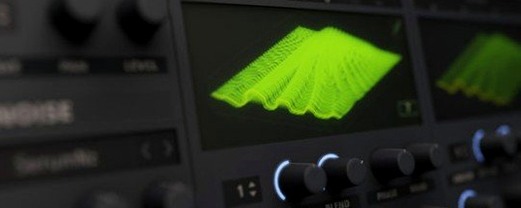 Serum
Generates and warps wavetable sounds you can sculpt from a blank waveform upwards.
Serum
Generates and warps wavetable sounds you can sculpt from a blank waveform upwards.