 ASPNetWorld
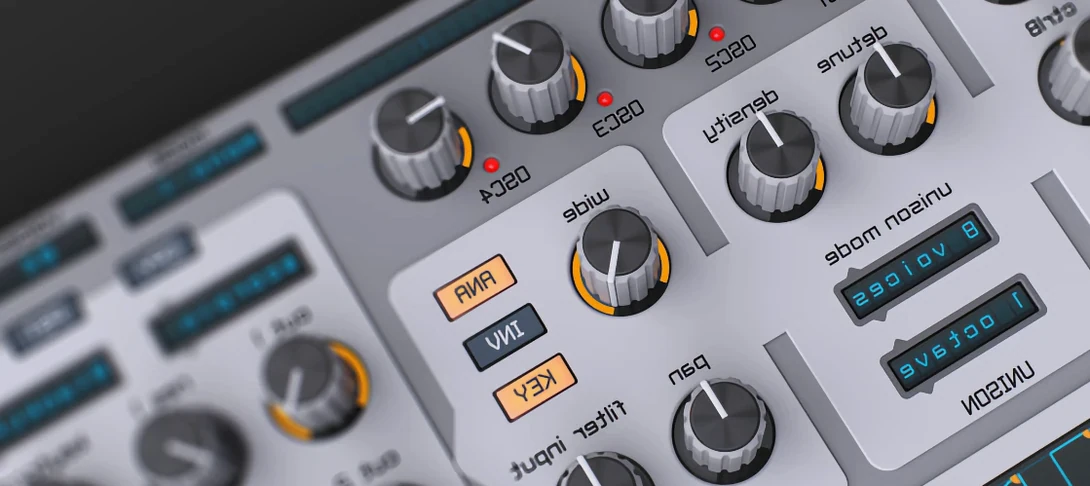
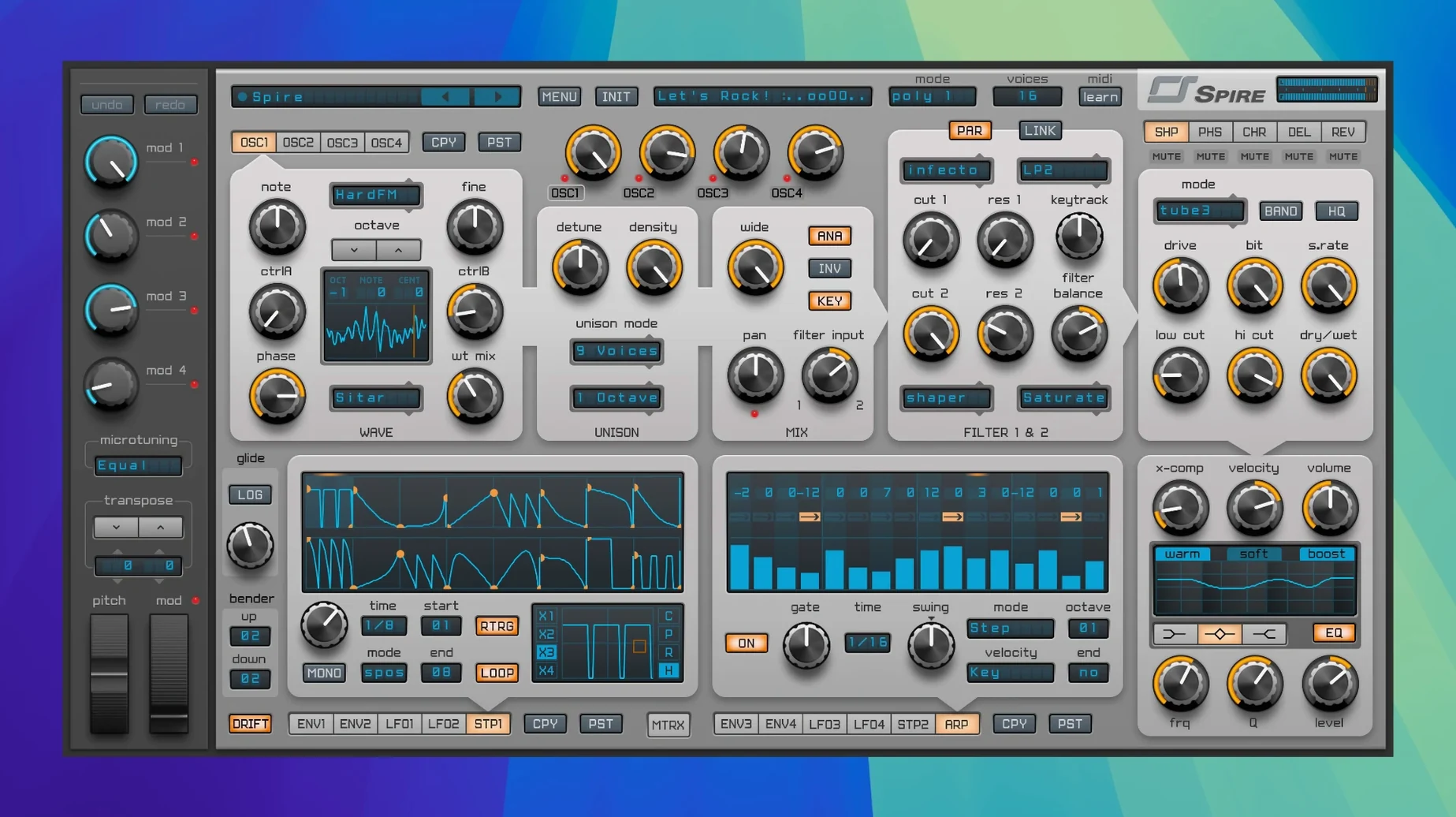
Producers drawn to a clean, forward-sounding virtual analogue synth often find their way to Spire. A methodical walk through its central panel reveals a lot about where its tone comes from.
- Start with the oscillators. The four-source engine is the voice’s foundation. Loading a basic saw in OSC 1 and a wavetable scan in OSC 2, then detuning them slightly, immediately thickens the stereo image before you touch a filter. The unison voices here stack without falling into a blurry mess, which is a large part of its character.
- Shape it with the multimode filter. Engage a 24 dB low-pass ladder model and sweep the cutoff manually. The resonance stays musical right up to the point of self-oscillation, and switching to a 12 dB band-pass mode carves out a vocal, nasal space that sits well in a busy arrangement.
- Direct the movement with the modulation matrix. A simple routing—assigning an LFO to the filter cutoff and an envelope to the wavetable position—turns a static chord into a rhythmic, evolving pad. The matrix makes these patching connections feel direct and immediate.
- Place it with the onboard effects. A small amount of the phaser before the reverb sends the sound swirling through a metallic tunnel, while the EQ afterwards tucks the low-end neatly under a kick drum. These aren't afterthoughts; they genuinely finish the sound.
What you get is a signal path where each stage adds a distinct character without smearing the detail that came before it, giving a mix-ready presence that rarely needs further corrective processing.
Shift-drag for fine control and right-click to reset any knob
A few tucked-away shortcuts turn Spire's panel from a comfortable workspace into something genuinely quick under the fingers. Right-clicking any knob resets it to its default value, which is standard enough, but holding Shift while dragging a control gives you fine-ratio adjustments—useful when you're nudging an envelope release by a few milliseconds rather than a few hundred. Holding Command (or Ctrl on Windows) while dragging snaps the knob to precise stepped values, a godsend when you're setting oscillator semitone offsets or filter cutoff frequencies where whole numbers actually matter.
Less obvious is the preset browser's search behaviour. Typing a term like "pad" narrows the list instantly, but prefixing it with @ followed by a category name—say, @bass or @lead—filters by the factory tagging system. You can combine this with the star-rating feature: click the star icon next to any preset you keep returning to, and later filter by @starred to see only your favourites across all banks. The arpeggiator also has a hidden latch mode—hold a chord, press the Latch button in the arp section, and the pattern runs indefinitely without keeping your hands on the keys, letting you tweak the filter or effects while the sequence cycles.
First-run settings worth changing
Out of the box, Spire leans towards a polished, modern sheen. A couple of quick preference tweaks pull more character from the engine. Open the settings panel (the gear icon in the top bar) and look for Oscillator Quality. The default is a clean, alias-free mode, but switching to the "Classic" algorithm introduces a subtle high-end grit reminiscent of early-2000s virtual analogues—not broken, just slightly less polite, and particularly flattering on supersaw stacks and trance leads.
Next, check the Voice Stealing behaviour. The default setting prioritises the newest notes when polyphony runs out, but switching to "Oldest" means sustained chords won't cut off unexpectedly when you add a melody on top. If you're building layered patches with long release tails, raise the polyphony ceiling to 16 or 24 voices from the default, especially when unison is active. Finally, disable the Send Anonymous Usage Data checkbox—it's on by default and adds a tiny background network call each session, which isn't ideal if you're working on a machine kept offline for stability.
A sound designer's half-hour session
Imagine a sound designer working on a dystopian game score who needs a percussive, metallic sequence that feels organic rather than sequenced. They start with a blank init patch and load a wavetable in OSC 1—specifically one of the formant-like digital tables from the factory library. OSC 2 brings a sine wave tuned up an octave and a fifth, but at half volume, adding a hollow, bell-like overtone. The step sequencer runs a five-note pattern in D minor, with each step's velocity modulating the filter envelope amount so harder steps open the cutoff further.
The mod matrix routes a slow triangle LFO to the wavetable position, making the timbre crawl between vocal and glassy textures across the sequence. A second, faster LFO modulates the phaser's frequency slightly, so the stereo field keeps shifting without obvious repetition. Before reaching for the reverb, they insert the distortion module in pre-filter mode with the drive around 30%—just enough to roughen the transients before the 12 dB band-pass filter scoops out the low midrange. The result drops straight into the project's atmosphere layer without needing additional processing, and saving the patch with two stars and a "percussive" tag means it's findable next week when the director asks for "more of that scraping metal thing."
How Spire fits into a wider setup
Spire works as a plugin across AU, VST, and AAX formats, so it slots into almost any DAW without friction. In Logic Pro, saving a channel strip with Spire and a few stock effects—say, a ChromaVerb after the synth's own reverb, or a Tremolo before it—creates a reusable performance template that loads faster than rebuilding the routing each time. Ableton Live users often map Spire's macro controls to an Instrument Rack's eight knobs, exposing filter cutoff, resonance, envelope decay, and effect wet/dry levels for hands-on tweaking during arrangement.
The synth's MIDI learn system is straightforward: right-click any control, choose "Learn MIDI CC," and move a controller knob. What's less documented is that these assignments persist per-instance rather than globally, so you can have different controller maps for a bass patch and a lead patch in the same project. Spire also responds to MIDI program change messages, which means you can sequence preset changes from your DAW's MIDI clips—useful for live performance sets where a single track switches between a verse bass and a chorus lead without loading separate instances.
On macOS, Spire integrates quietly with the system's audio routing. If you're using an aggregate device or a utility like BlackHole to capture internal audio, the synth's output appears cleanly in the routing matrix, making it simple to sample individual patches into a hardware sampler or resample processed sounds back into your DAW. The plugin also respects macOS's low-latency audio path on Apple Silicon, so even at small buffer sizes—64 samples or below—the voice engine stays stable on M-series machines, which matters when you're tracking MIDI parts live with the arpeggiator or step sequencer running.
- macOS 10.13 or newer
- Apple Silicon and Intel native support
Questions from the class 0
Sign in or join the class to ask a question.
Nobody has asked anything yet. If you have used it on a real job, say what the file did.
Also on the VST Plugins shelf
The whole VST Plugins shelf SSG Audio Optimus
Masters audio with intelligent spectral assistance.
SSG Audio Optimus
Masters audio with intelligent spectral assistance.
 Steinberg SpectraLayers Pro
Edits audio spectrally and visually.
Steinberg SpectraLayers Pro
Edits audio spectrally and visually.
 Sonic Academy KICK
Designs a kick drum from a synthesised sub layer and sampled click layers you tune by ear.
Sonic Academy KICK
Designs a kick drum from a synthesised sub layer and sampled click layers you tune by ear.
 Slate Digital Submerge
Generates a sub-bass tone that ducks around your kick drum automatically.
Slate Digital Submerge
Generates a sub-bass tone that ducks around your kick drum automatically.
 Slate Digital Storch Filter
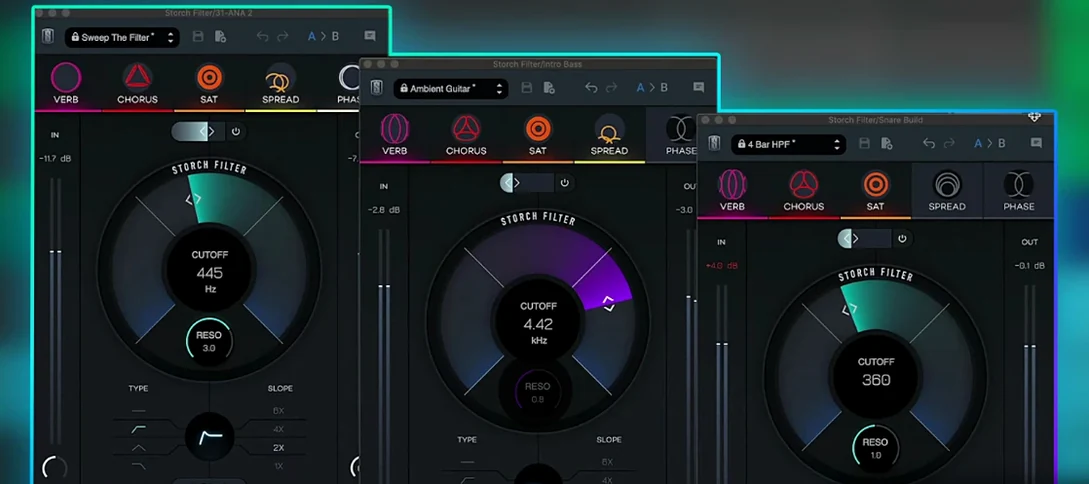
Sweeps, stutters and shimmers a sound through a single musical filter interface.
Slate Digital Storch Filter
Sweeps, stutters and shimmers a sound through a single musical filter interface.
 Slate Digital Murda Melodies
Processes audio with a chain that shifts from subtle warmth to a crushed, distorted texture.
Slate Digital Murda Melodies
Processes audio with a chain that shifts from subtle warmth to a crushed, distorted texture.
 Slate Digital Fresh Air
Opens up the top end of a track with two simple knobs that add presence and shine.
Slate Digital Fresh Air
Opens up the top end of a track with two simple knobs that add presence and shine.
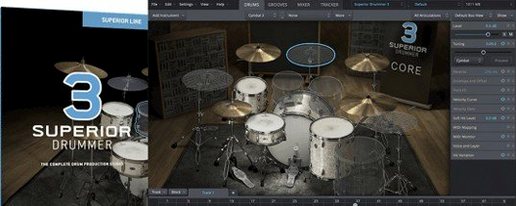 Superior Drummer
Provides realistic, multi-channel drum recordings.
Superior Drummer
Provides realistic, multi-channel drum recordings.