 ASPNetWorld

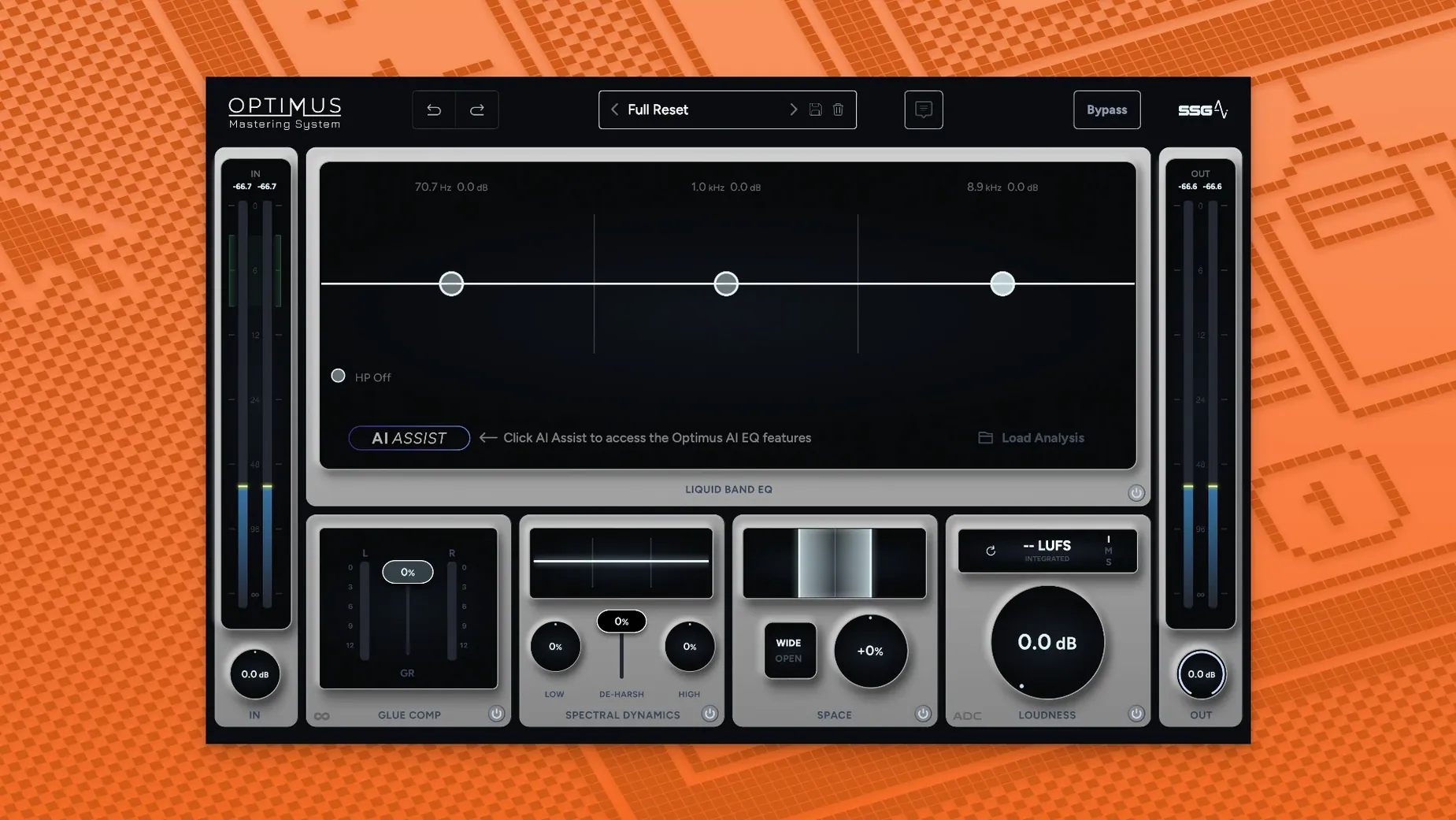
Mastering engineers who want to keep their hands on the faders while an assistant handles the heavy spectral lifting will find a friend in SSG Audio Optimus. It’s built for people who already know how they want a track to sound but appreciate a second pair of ears that never gets tired. In a session, Optimus doesn’t take over; it proposes, and you decide. That makes it a natural fit across a few key points in the signal flow, depending on the job.
On the stereo bus and individual tracks
The most obvious home for Optimus is the stereo output, where it acts as a final polish. You drop it in, let the first intelligent module level out the frequency balance, then use the second module—the one that continuously monitors the sound in real time—to bring up loudness and clarity. Because the analysis adapts not just to the incoming audio but also to the changes you make on the fly, you can tweak a compressor earlier in the chain and hear the mastering module adjust its response without needing to re-analyse the whole song. On individual tracks, the same system works as a corrective tool. A muddy bass line or a harsh vocal bus can be tamed quickly before it hits the group processing, saving you from over-EQing later.
Working across buses and reference jobs
For stem mastering, placing an instance on each group bus—drums, instruments, vocals—creates a consistent tonal footprint before the signals sum together. The sound-balance module does the broad-stroke work, and the dynamic module tightens the punch without squashing transients. It’s also useful in a reference chain: you can run a commercial track through Optimus purely to observe what the modules would do, giving you a visual and audible benchmark for your own mix. The plug-in runs in AU, VST2, VST3 or AAX 64-bit hosts on both Apple Silicon and Intel Macs, so slotting it into an existing template is straightforward, whether you’re in a modern native environment or an older x86-64 session.
In a full day of mixing and referencing, Optimus earns its keep through sheer consistency. I have yet to see it trigger a CPU spike worth worrying about, even when I stack four or five instances across stem buses on an M1 Mac mini with 16 GB of RAM. The first analysis pass takes roughly as long as the track itself, which feels about right for something that is essentially listening to the whole song with a fine-toothed comb. After that, the real-time module ticks along with a latency I can only describe as workable—low enough that you won’t reach for the bypass button out of frustration, but not so low you would track through it without freezing. Memory use sits modestly in the background; AU Hosting Service barely registers an extra bump when the plug-in window is open.
A typical mastering pass from cold start
Picture a Tuesday evening: the mix is done, the coffee is fresh, and I drop Optimus onto the stereo bus in Logic. The interface lights up with a calm grey panel and a single large analysis control. I hit it, and the playhead moves once through the song. About three minutes later, the frequency-balance module has drawn a gentle corrective curve—nothing radical, just a slight tuck in the low mids and a lift above 8 kHz. I listen, decide the vocal could use a little more body, and reach for an EQ earlier in the chain. As I make the cut, the real-time dynamic module notices the change in spectral energy and nudges its own gain staging. The loudness creeps up a decibel without my touching a threshold knob. I toggle the module on and off to check what it’s actually doing; the difference is a track that sounds closer, more intelligible, but not squashed. Satisfied, I save the preset as “indie rock warm” and bounce. The whole process takes under ten minutes, and most of that was me sipping coffee and listening.
That kind of session flow is why the phrase ssg audio optimus mac download keeps popping up in forums. Producers want a tool that does the analytical legwork but stays quiet when it has nothing useful to add. Optimus seems to understand that its job is to present options, not to stamp a finished product without permission.
Version 1.5.143 brings a reworked core to the Optimus Mastering System, making its two intelligent modules faster and more responsive. The sound-balance module now analyses incoming audio with better accuracy, while the dynamic loudness and clarity module monitors continuously, reacting to both the source material and your adjustments in real time.
- Revised sound analysis runs quicker and reads the frequency picture more precisely.
- The dynamic module keeps constant watch over the signal, pushing for a louder, clearer result without you having to trigger a fresh pass.
- macOS 10.13 or later
- Apple Silicon or Intel processor (ARM and x86 64-bit)
- 8 GB RAM minimum
- AU, VST2, VST3, or AAX 64-bit host
Questions from the class 0
Sign in or join the class to ask a question.
Nobody has asked anything yet. If you have used it on a real job, say what the file did.
Also on the VST Plugins shelf
The whole VST Plugins shelf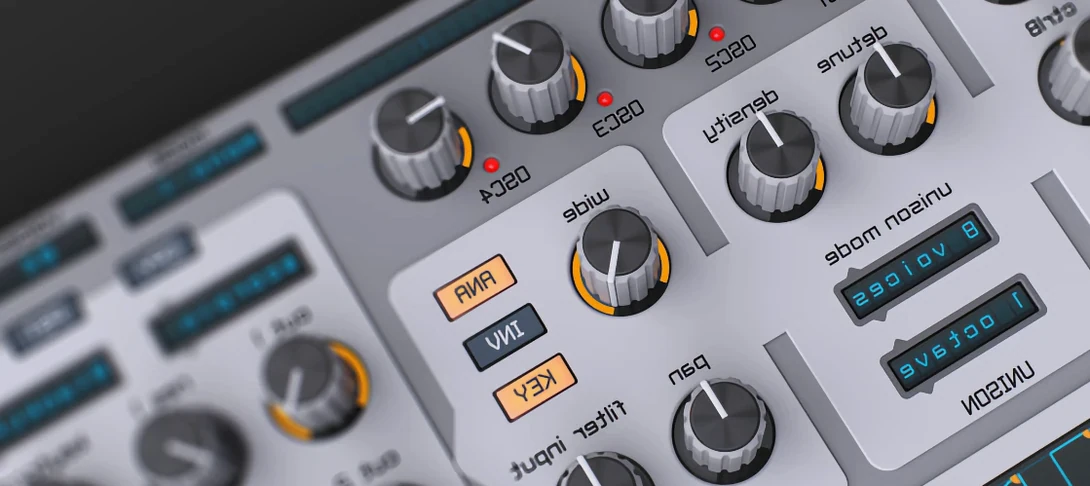 Spire
Synthesises rich virtual analogue sounds.
Spire
Synthesises rich virtual analogue sounds.
 Steinberg SpectraLayers Pro
Edits audio spectrally and visually.
Steinberg SpectraLayers Pro
Edits audio spectrally and visually.
 Sonic Academy KICK
Designs a kick drum from a synthesised sub layer and sampled click layers you tune by ear.
Sonic Academy KICK
Designs a kick drum from a synthesised sub layer and sampled click layers you tune by ear.
 Slate Digital Submerge
Generates a sub-bass tone that ducks around your kick drum automatically.
Slate Digital Submerge
Generates a sub-bass tone that ducks around your kick drum automatically.
 Slate Digital Storch Filter
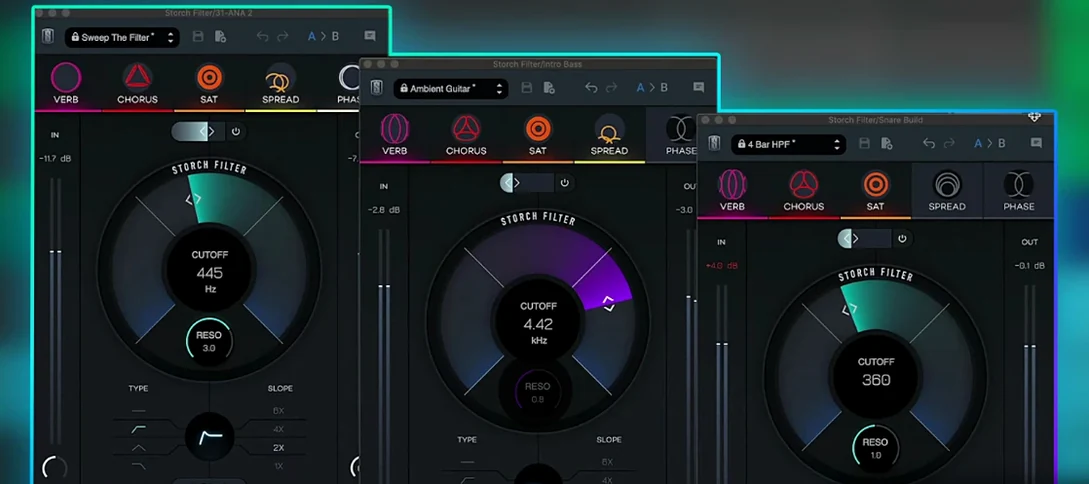
Sweeps, stutters and shimmers a sound through a single musical filter interface.
Slate Digital Storch Filter
Sweeps, stutters and shimmers a sound through a single musical filter interface.
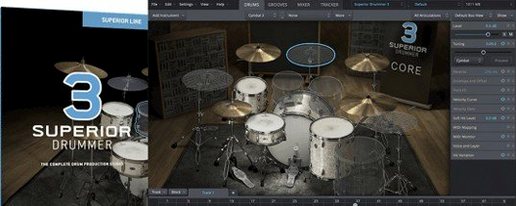 Superior Drummer
Provides realistic, multi-channel drum recordings.
Superior Drummer
Provides realistic, multi-channel drum recordings.
 Slate Digital Murda Melodies
Processes audio with a chain that shifts from subtle warmth to a crushed, distorted texture.
Slate Digital Murda Melodies
Processes audio with a chain that shifts from subtle warmth to a crushed, distorted texture.
 Slate Digital Fresh Air
Opens up the top end of a track with two simple knobs that add presence and shine.
Slate Digital Fresh Air
Opens up the top end of a track with two simple knobs that add presence and shine.