 ASPNetWorld
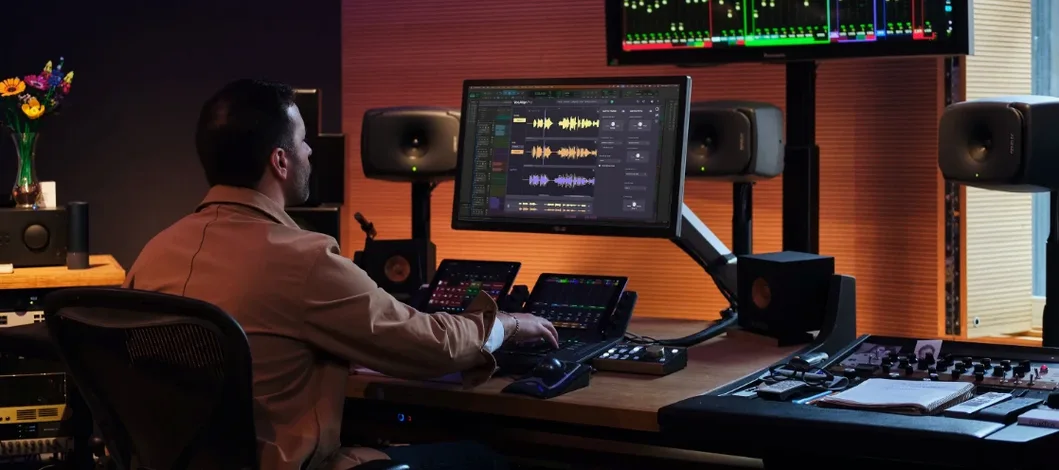
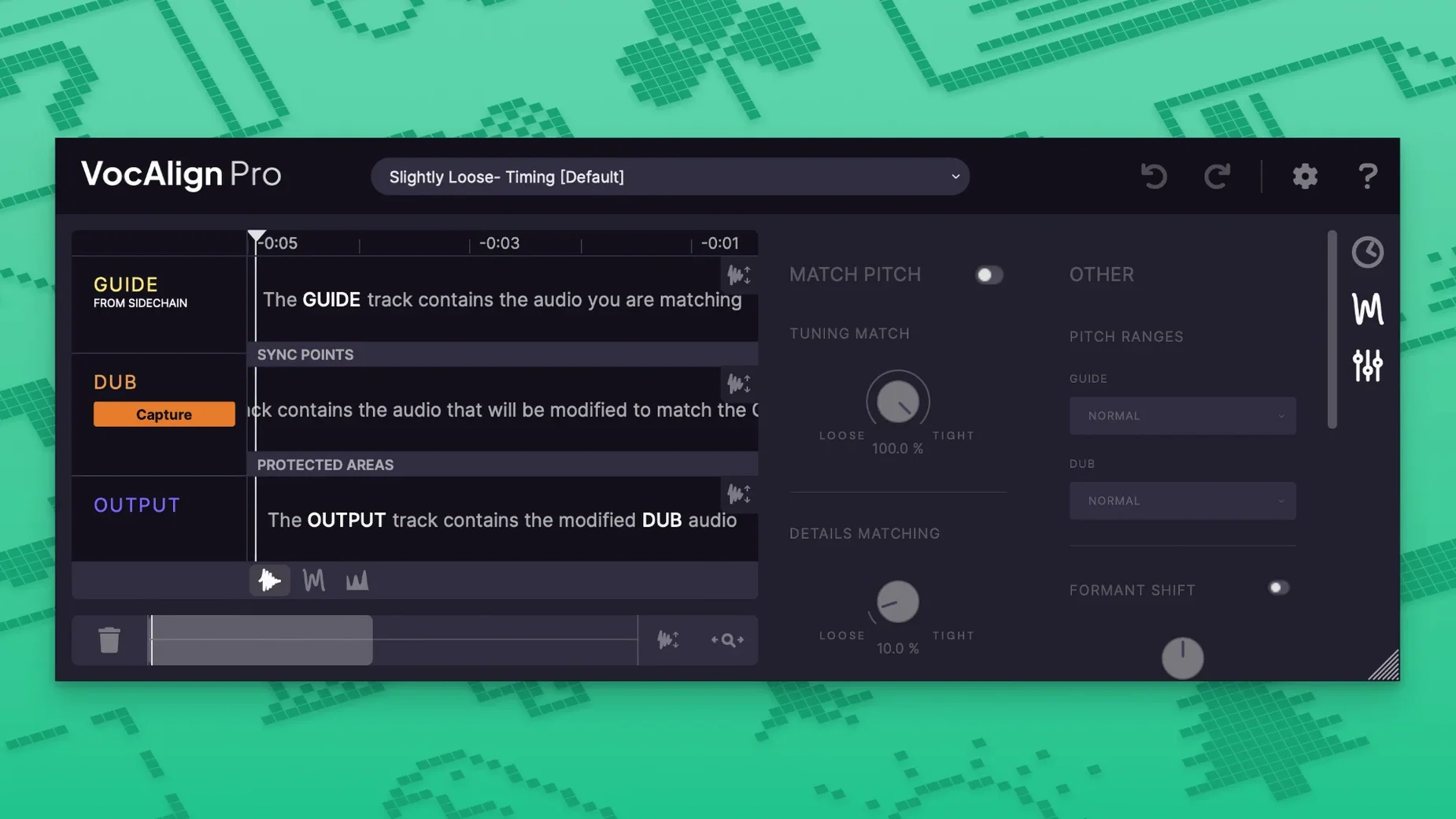
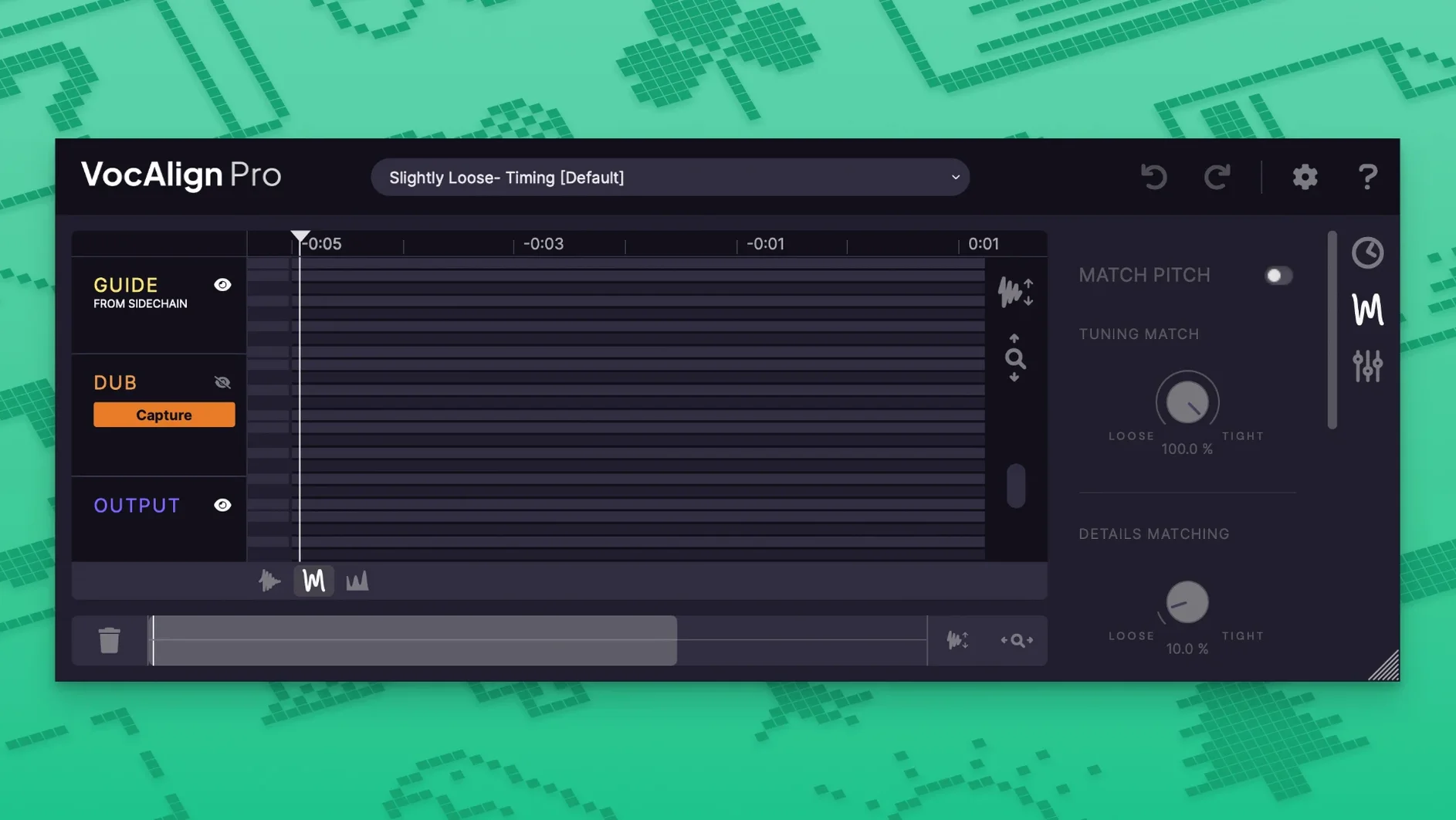
Dialogue editors tidying ADR and music producers tightening double-tracked vocals both reach for the same tool: a plugin that can read one performance and nudge another into perfect sync with it.
Vocal alignment — the process of analysing a guide signal and stretching or compressing a target signal so their timing matches, without obvious artefacts.
Pitch alignment — shifting the target’s pitch to follow the guide, so a flat double-track doesn’t fight the lead vocal.
Formant shifting — adjusts the resonant character of a voice independently of its pitch. Useful when a pitch-shifted copy sounds unnaturally chipmunk-like or boomy.
Sync points — user-placed markers that tell the plugin “this syllable must land exactly here,” overriding the automatic alignment for tricky consonants or breaths.
Protected areas — regions you lock so the plugin leaves them untouched, handy for preserving a vibrato tail or a deliberate timing quirk.
Transpose shift — a straightforward semitone offset, so you can align a harmony part that sits a third above the guide without first re-recording it.
SynchroLink — a direct handshake with Synchro Arts’ RePitch plugin. Pitch edits you make in RePitch flow straight into VocAlign’s alignment engine, saving a round-trip of rendering.
Alignment presets give you a sensible starting point for common jobs — tight pop vocals, loose ADR, or instrumental lines — and you can tweak from there. The whole plugin runs natively on Apple Silicon and Intel 64-bit Macs from macOS 10.14 upwards, covering AAX, AU and VST3 hosts. The interface is English, and if you have ever spent an afternoon nudging waveforms by hand, the immediacy of hearing two tracks lock together still feels a little bit like magic.
During the first couple of sessions, it pays to let the software do the heavy lifting before you start micromanaging. Drop VocAlign onto your target track, route the guide signal via the side-chain input, and hit Capture on both signals. Play a representative section — a verse and chorus, or a paragraph of dialogue — rather than a three-second loop. The longer the capture, the more the analysis engine understands about the performer’s phrasing, and the fewer manual tweaks you need later.
Once the initial alignment is in place, solo the target and listen right through without looking at the screen. Your ears will catch odd consonants and breath tails that the waveform display glosses over. Mark those spots as protected areas before fine-tuning the Tightness Control — pull it higher for pop stacks where every transient must land perfectly, or ease it back for a natural ADR delivery that still needs to breathe.
If you work across multiple vocal stacks regularly, set up a process group early. Assign all your backing vocal tracks to one group, capture the lead as the guide, and align the whole stack in one pass rather than treating each track in isolation. The time saving is dramatic on a twelve-part harmony, and the consistency across the group is far better than aligning track by track.
Aligning a harmony guide in practice
Imagine you have a lead vocal that sits comfortably in the mix, but the harmony line — recorded a minor third above — keeps drifting ahead of the beat. Rather than re-tracking, start by inserting VocAlign on the harmony channel and setting the lead as the side-chain guide. Capture both performances across a full section that includes sustained notes and quicker melodic runs, so the algorithm has a fair picture of the material.
Switch the alignment mode to include pitch processing via SmartPitch, then dial in a transpose shift of +3 semitones. The plugin now knows two things: the timing must follow the lead, and the target pitch centre is a minor third up. Hit Process and listen. Chances are the timing locks in immediately; the pitch will feel glued but still distinct, because the formant engine keeps the harmony voice’s character intact.
For the final polish, place a sync point on the first consonant of any phrase where the harmony singer rushed, and another on the last syllable if it cuts off too soon. A tiny formant shift — no more than a couple of cents — can nudge the blended texture warmer or brighter without anyone being able to point at an effect. Render the result, and you have a harmony that sounds as though the singer nailed it in one take. Search phrases like synchro arts vocalign 6 pro mac download will surface tools built for exactly this kind of rescue job, but the craft is in knowing which levers to pull and which ones to leave alone.
- macOS 10.14 or later
- Apple Silicon or Intel 64-bit processor
- AAX, AU or VST3 host
Questions I keep hearing
Does VocAlign 6 Pro handle instruments as well as vocals?
Yes, it can align pitched instrumental performances — a doubled guitar line or a synth lead — though it is primarily designed around the human voice.
Questions from the class 0
Sign in or join the class to ask a question.
Nobody has asked anything yet. If you have used it on a real job, say what the file did.
Also on the VST Plugins shelf
The whole VST Plugins shelf Synapse Audio The Legend HZ v2.0.2.R1
Recreates classic analogue synth sounds.
Synapse Audio The Legend HZ v2.0.2.R1
Recreates classic analogue synth sounds.
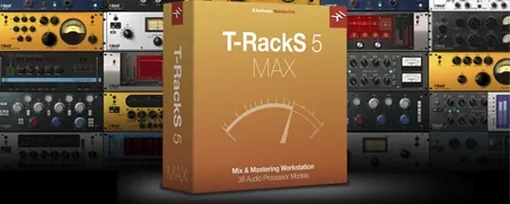 T-RackS
Masters audio with virtual studio gear.
T-RackS
Masters audio with virtual studio gear.
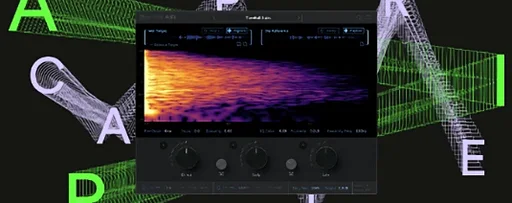 Supertone Air
Matches re-recorded dialogue to production sound.
Supertone Air
Matches re-recorded dialogue to production sound.
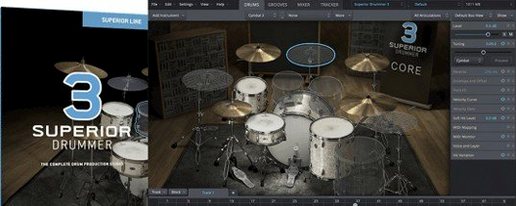 Superior Drummer
Provides realistic, multi-channel drum recordings.
Superior Drummer
Provides realistic, multi-channel drum recordings.
 Steinberg SpectraLayers Pro
Edits audio spectrally and visually.
Steinberg SpectraLayers Pro
Edits audio spectrally and visually.
 SSG Audio Optimus
Masters audio with intelligent spectral assistance.
SSG Audio Optimus
Masters audio with intelligent spectral assistance.
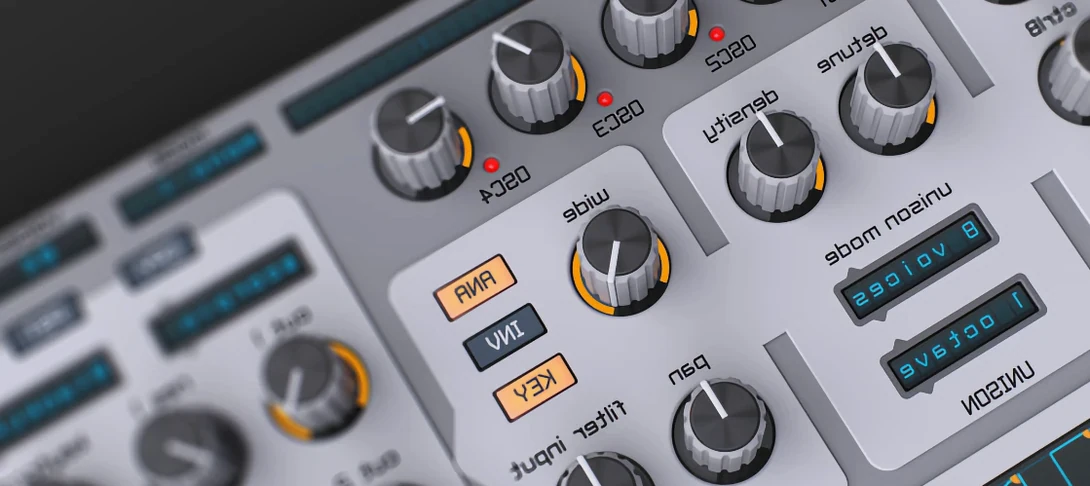 Spire
Synthesises rich virtual analogue sounds.
Spire
Synthesises rich virtual analogue sounds.
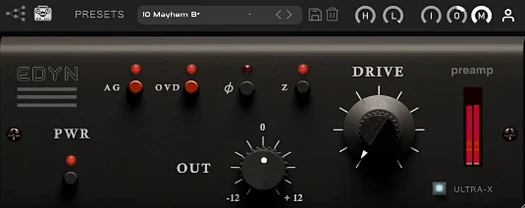 Tone Empire EDYN
Runs clean digital audio through a model of a revered vintage transistor preamp.
Tone Empire EDYN
Runs clean digital audio through a model of a revered vintage transistor preamp.