 ASPNetWorld
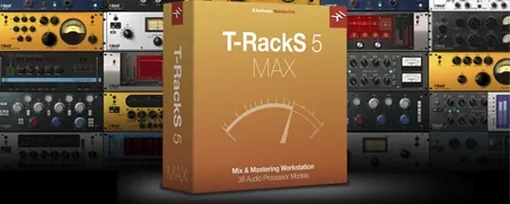
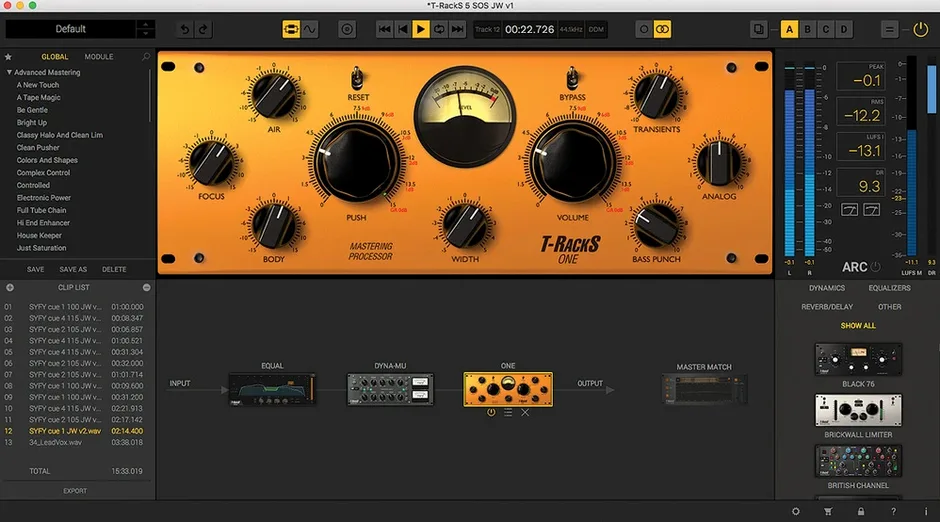
Mixing a record used to mean choosing between a desk full of outboard gear you couldn’t afford and a DAW session that felt like a spreadsheet. T-RackS closes that gap by modelling the signal path of a high-end mastering facility inside software that runs on an ordinary Mac, so you stop fighting the tools and start hearing the music.
Two ways to work: standalone Mastering Console or individual AU plug-ins
The package gives you two ways to work. You can open the standalone Mastering Console, which is effectively a self-contained mastering application with its own waveform view, album assembly and multi-format export. Or you can load individual processors as AU, VST 2, VST 3 or AAX plug-ins inside a DAW — Logic Pro, Ableton Live, Pro Tools, whichever you prefer. This dual approach means you can shape tones during a mix and then switch to the console for final sequencing and metadata embedding without bouncing between different applications. Compatibility is broad: the current version runs natively on both Apple Silicon and Intel 64-bit Macs, so an M-series machine gets the full benefit without Rosetta translation. It also supports floating-point processing up to 192 kHz and 32-bit, which keeps the maths clean when you stack multiple processors.
What the signal chain sounds like
At its core, T-RackS is a collection of nine processors, four of which arrived as new additions in the current generation. Master Match X uses a reference track to map EQ, compression and limiting curves, saving you from squinting at analysers when you want to get in the ballpark of a commercial release. Dyna-Mu is a vari-mu compressor emulation that adds glue without squeezing the life out of transients, while EQual provides a transparent digital equaliser with mid-side capability. The ONE module bundles EQ, compression, harmonic saturation, a low-end enhancer and stereo imaging into a single window for quick master-channel sweetening. Rounding out the toolkit are four user-selectable dithering algorithms, which matter when you are truncating a 32-bit float master down to a 16-bit CD-ready file.
Feels like a hardware rack next to Ozone's automatic assistant
Placed alongside Ozone by iZotope, T-RackS feels more like a hardware rack and less like a guided assistant. Ozone’s Master Assistant listens to your track and builds a full chain automatically, which is brilliant when time is short. T-RackS gives you the same idea with Master Match X, but the overall philosophy leans harder on your ears — you audition modules, swap their order and tweak until it sounds right, rather than chasing a target curve on a display. The interface reinforces that; it shows you chunky processor faces with knobs, not a single integrated graph. If you prefer a more hands-on, build-it-yourself approach, T-RackS scratches that itch in a way Ozone doesn’t.
FabFilter’s Pro-L 2 and Pro-Q 3 are surgical single-purpose tools that dominate in their categories, but they are not a mastering suite. You add them to your DAW one by one. T-RackS is the opposite: it ships with nine interconnected processors, plus the Mastering Console for album sequencing. The trade-off is that no single T-RackS equaliser equals Pro-Q 3’s dynamic band count or spectrum grab, yet the integrated workflow — equalise, compress, saturate, limit and dither without leaving one window — speeds up finalising a track considerably. A third comparison sits with Waves’ Abbey Road TG Mastering Chain, which models one famous desk. That plug-in does a specific, gorgeous thing with colour. T-RackS covers more ground: you get a vari-mu emulation, a digital EQ, a multiband limiter and harmonic shaping all in one package, so you are not locked into a single desk’s tone.
Organise the Module Manager first so your favourites sit at the top
Give yourself a quiet afternoon to organise the Module Manager before you start a real session. Open the standalone console, click through the processor list and mark your favourites so they appear at the top; the default roster can look overwhelming, and hiding what you are not using yet keeps the menu tight. Next, audition Dyna-Mu and ONE on a mix you know well, with the output ceiling set conservatively at −1 dB and no other processing. Listen for what each module adds to the stereo field and the low end. Knowing their fingerprints early stops you from stacking three devices that all nudge the same frequency range.
Resist the urge to fill all 16 slots immediately. A mastering chain typically needs three to five well-chosen processors, not a dozen. Start with an EQ cut, a gentle compressor, and a limiter. Save that stripped-back chain as a custom preset — it will become your fastest starting point when a client sends a rough mix late on a Thursday. Finally, set the dithering module to the format you export most often. If your work usually lands on streaming platforms, configure 24-bit TPDF dither with no noise shaping so the setting is ready when you bounce.
Dragging a stereo mix onto the waveform display to begin mastering
Imagine a Tuesday evening. You have received a stereo mix of a four-minute indie-rock song from a band you record regularly. You open the T-RackS Mastering Console and drag the WAV file onto the waveform display. The first thing you do is loop the loudest chorus and drop Master Match X into slot one. You load a reference track — something by Phoebe Bridgers, because the band mentioned that tone — and let Master Match X map the broad EQ curve. It suggests a −1.5 dB dip around 350 Hz and a gentle lift above 8 kHz. You reduce the strength to 60 percent; full strength sounds a touch bright on the snare, and backing off keeps the mix’s own character intact.
Slot two gets EQual. With the mid-side mode engaged, you narrow the stereo width below 120 Hz, centering the bass guitar and kick drum. Slot three holds Dyna-Mu, with the input gain nudged until the needle moves on the chorus downbeats. The compression is barely registering — maybe 1.5 dB of reduction — but the track already feels more cohesive. In slot four you place ONE, bypassing its EQ and compressor sections and using only the harmonic saturation knob at 15 percent to warm the upper mids. Slot five is the standard limiter, set to catch peaks at −0.3 dB with a ceiling of −1 dB true peak. You listen through the verses, the bridge and the final chorus, then toggle the entire chain off and on. The processed version is louder, wider and more solid, without sounding squashed. You open the album assembly tab, place the track as song three, type the metadata and export a 24-bit/48 kHz WAV for the band’s Bandcamp page.
A long module chain causes latency, so raise the buffer to 512
Latency spikes when stacking modules. A chain with eight or nine processors can tax even an M-series Mac if the buffer is set too low. The fix is to work in the standalone console at a higher buffer — 512 or 1024 samples — where T-RackS is optimised to spread the load across available cores. Reserve low-buffer plug-in use for sessions where you need real-time monitoring in a DAW, and bypass the heavier modules while tracking.
Master Match X sounds too scooped. This often happens when the reference track is a lossy rip from a streaming service, where the codec has already altered the high-frequency content. Use a reference file you trust — a lossless CD rip or a high-resolution download. If the curve still feels scooped, reduce the match strength to 40–50 percent and supplement with a gentle high-shelf boost in EQual afterwards.
Dithering artefacts on a quiet fade-out. If you hear a faint granular texture as a song fades to silence, check which dithering algorithm is active. MBIT+ with aggressive noise shaping can interact oddly with very low-level signals. Switch to a flat TPDF dither for fade-outs, or render the fade in your DAW before importing the file into the Mastering Console.
Plug-ins missing from your DAW after installation. If Logic Pro or Ableton Live does not see the T-RackS modules after a fresh install, rescan your plug-in folders. On Apple Silicon Macs, confirm your DAW is running natively and not under Rosetta — T-RackS installs a universal binary, but a Rosetta-launched host will scan only Intel plug-ins, which can confuse the validation process. A full restart of the DAW after rescanning almost always resolves it.
- macOS 10.15 Catalina or later
- 64-bit Intel or Apple Silicon processor
- 64-bit operating system
Questions I keep hearing
Can T-RackS run without a DAW?
Yes, it includes a standalone Mastering Console for album assembly, processing and multi-format export, so you do not need a host application.
Does the software work on Apple Silicon Macs?
The current version supports both Apple Silicon and Intel 64-bit processors natively.
How many processors are included in the package?
The suite contains nine processors, including the newer Master Match X, Dyna-Mu, EQual and ONE modules, plus four selectable dithering options.
Questions from the class 0
Sign in or join the class to ask a question.
Nobody has asked anything yet. If you have used it on a real job, say what the file did.
Also on the VST Plugins shelf
The whole VST Plugins shelf Synapse Audio The Legend HZ v2.0.2.R1
Recreates classic analogue synth sounds.
Synapse Audio The Legend HZ v2.0.2.R1
Recreates classic analogue synth sounds.
 Supertone Air
Matches re-recorded dialogue to production sound.
Supertone Air
Matches re-recorded dialogue to production sound.
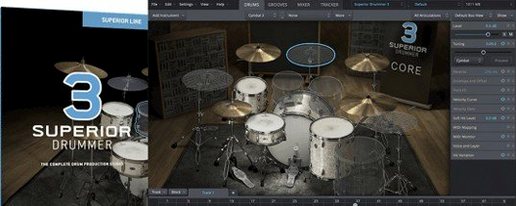 Superior Drummer
Provides realistic, multi-channel drum recordings.
Superior Drummer
Provides realistic, multi-channel drum recordings.
 Steinberg SpectraLayers Pro
Edits audio spectrally and visually.
Steinberg SpectraLayers Pro
Edits audio spectrally and visually.
 SSG Audio Optimus
Masters audio with intelligent spectral assistance.
SSG Audio Optimus
Masters audio with intelligent spectral assistance.
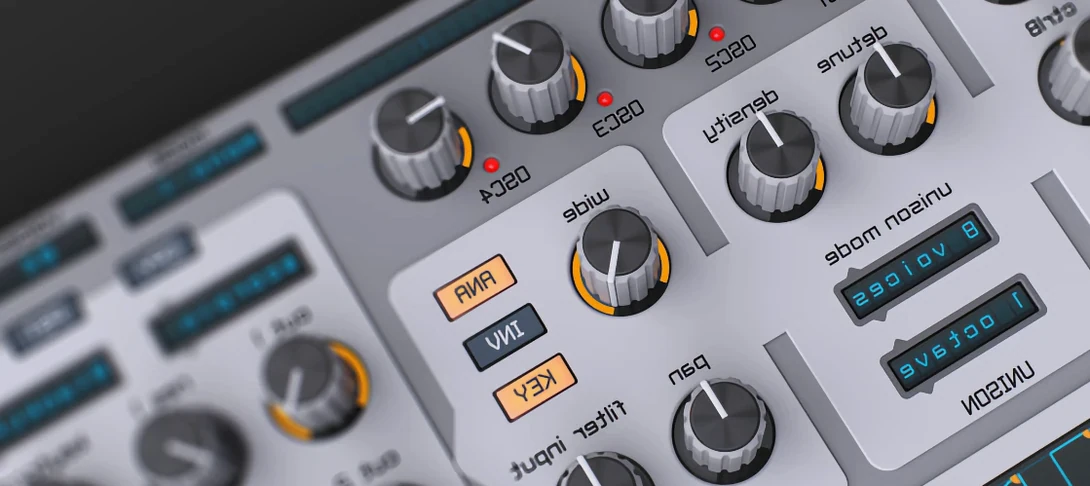 Spire
Synthesises rich virtual analogue sounds.
Spire
Synthesises rich virtual analogue sounds.
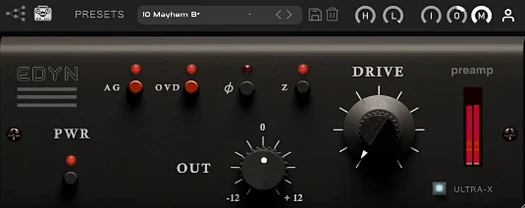 Tone Empire EDYN
Runs clean digital audio through a model of a revered vintage transistor preamp.
Tone Empire EDYN
Runs clean digital audio through a model of a revered vintage transistor preamp.
 Toontrack EZkeys
Provides a playable grand piano and suggests fresh chord progressions when you are stuck.
Toontrack EZkeys
Provides a playable grand piano and suggests fresh chord progressions when you are stuck.