 ASPNetWorld
Writing a chord progression that actually feels fresh, or finding a piano part that sits right in a busy mix, can stop a session cold while you hunt for inspiration. EZkeys steps into that gap by acting as both a first-rate grand piano and a compositional sketchpad that suggests ideas rather than forcing you to build everything from scratch.
- On a virtual instrument track, it delivers the tone of a Fazioli F212 grand recorded in Stockholm, with MIDI phrases covering pop, rock, soul and more that you can drag straight into your arrangement.
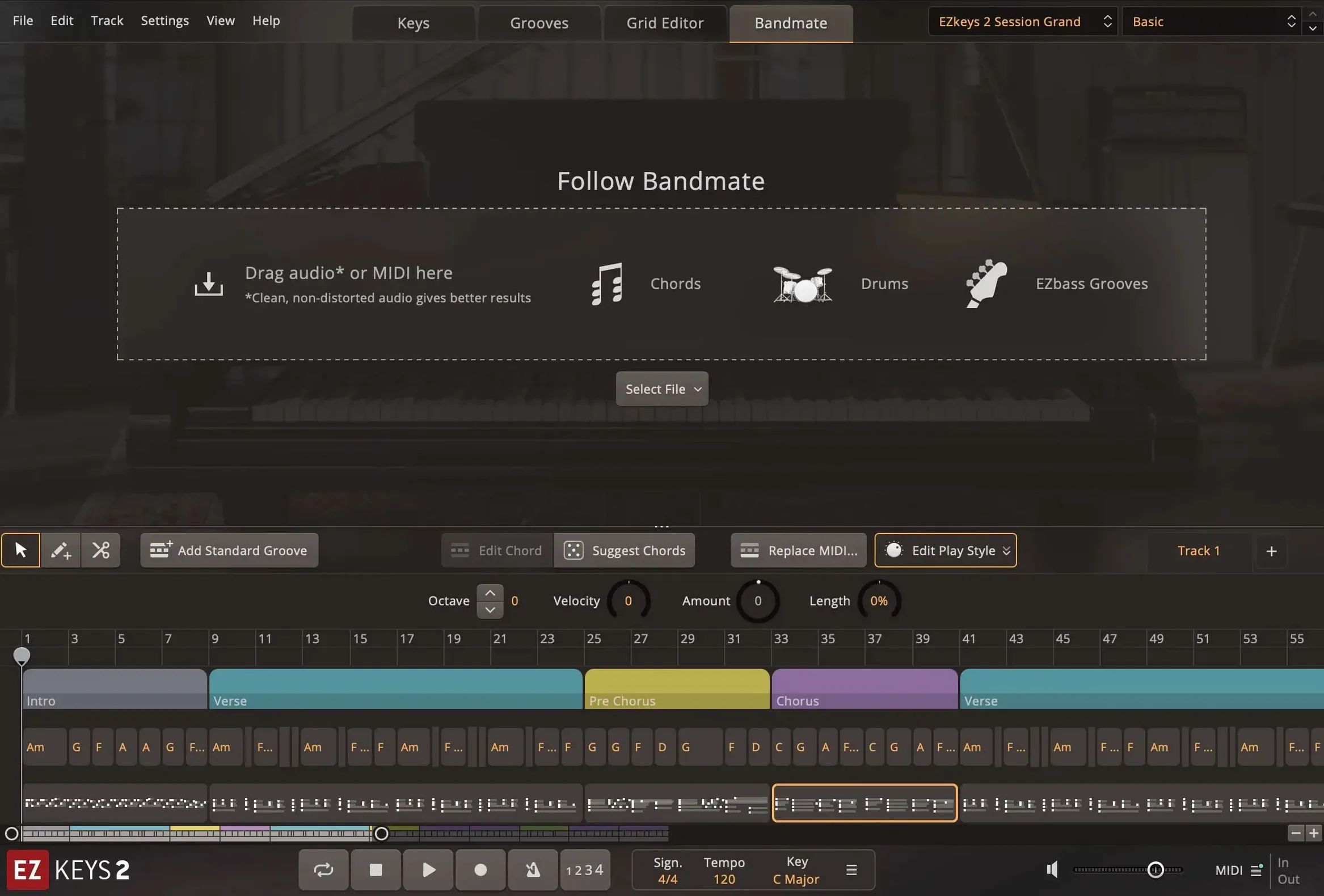
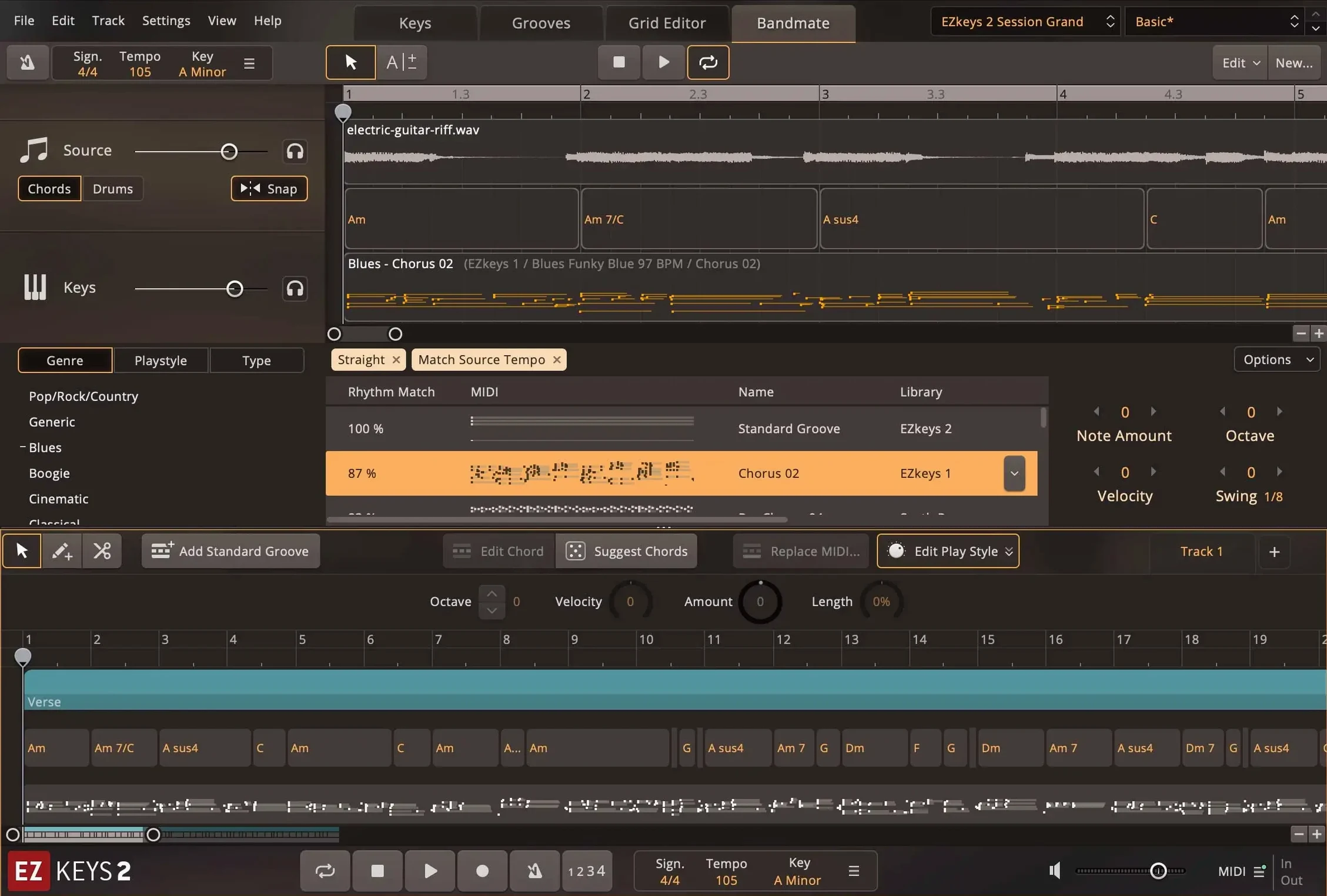
- Drop an audio recording or a rough MIDI part onto the Bandmate tab and it will propose matching chords and grooves, so a hummed melody or guitar demo can become the backbone of a keyboard part.
- Bounce it out to a bus for shared reverb and compression, or split the close and room mics to separate aux channels for finer control over the piano's space in the mix.
- The Songwriting Scales view keeps your chord choices within a chosen key, which is a handy safety net when you are building progressions by ear.
- Multi-core CPU improvements in version 2.1.5 mean the plug-in breathes easier in larger sessions, especially on Apple Silicon and Intel Macs running several instances.
Think of EZkeys less as a static instrument and more as a writing partner tucked into your track stack — somewhere between a sound module, a phrase library and a harmony coach.
The Chord Wheel becomes your verse-writing co-pilot
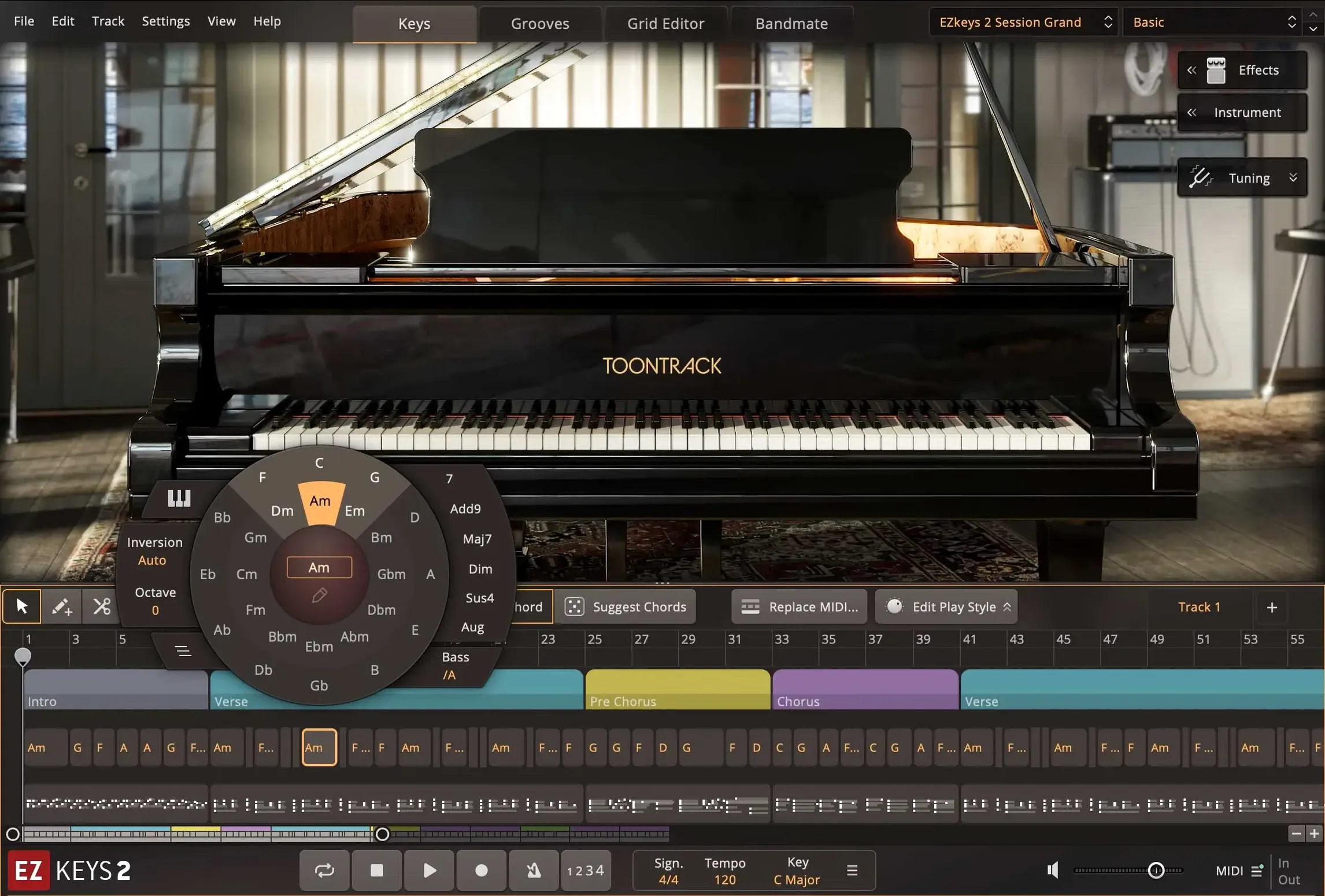
The Chord Wheel is one of those tools that looks like a reference chart and ends up reshaping how you build a verse. Instead of memorising which chords sit in F♯ minor, you spin the wheel and the software highlights the obvious choices along with a few borrowed chords that add colour without breaking the key. Dragging a chord symbol onto the timeline places the full voicing, so a progression that would take ten minutes of hunting around a keyboard is down in seconds.
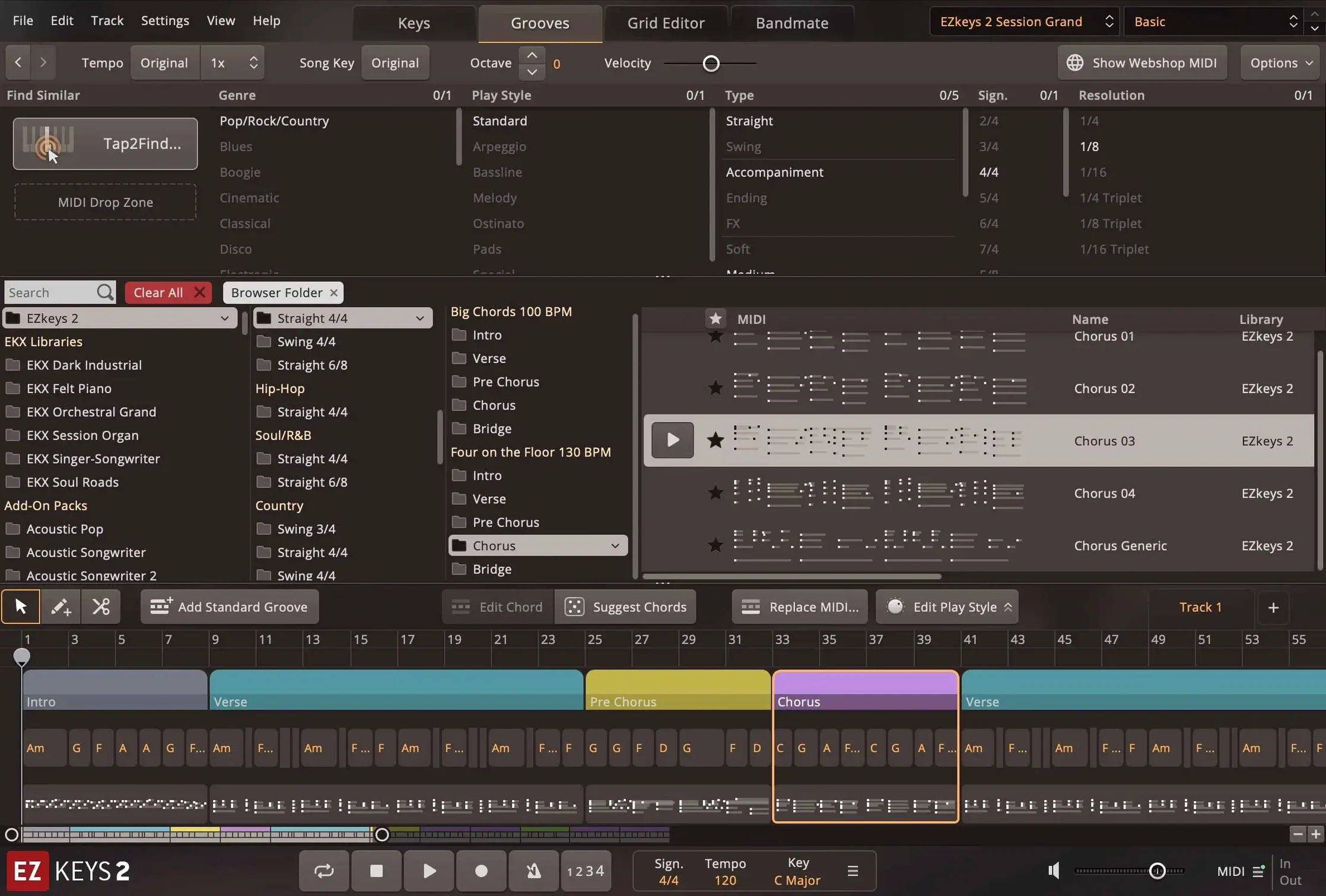
Another detail that hides in plain sight is the way EZkeys handles the Tap2Find feature. You do not need to be a keyboard player to get something useful out of it. Tap a rhythm on a single note — even on a laptop keyboard if no MIDI controller is connected — and the engine searches the MIDI library for patterns that match the timing. The results are ranked by how closely they fit, and you can cycle through them with a single key command. It turns a vague rhythmic idea into a played part while you stay in the flow of writing.
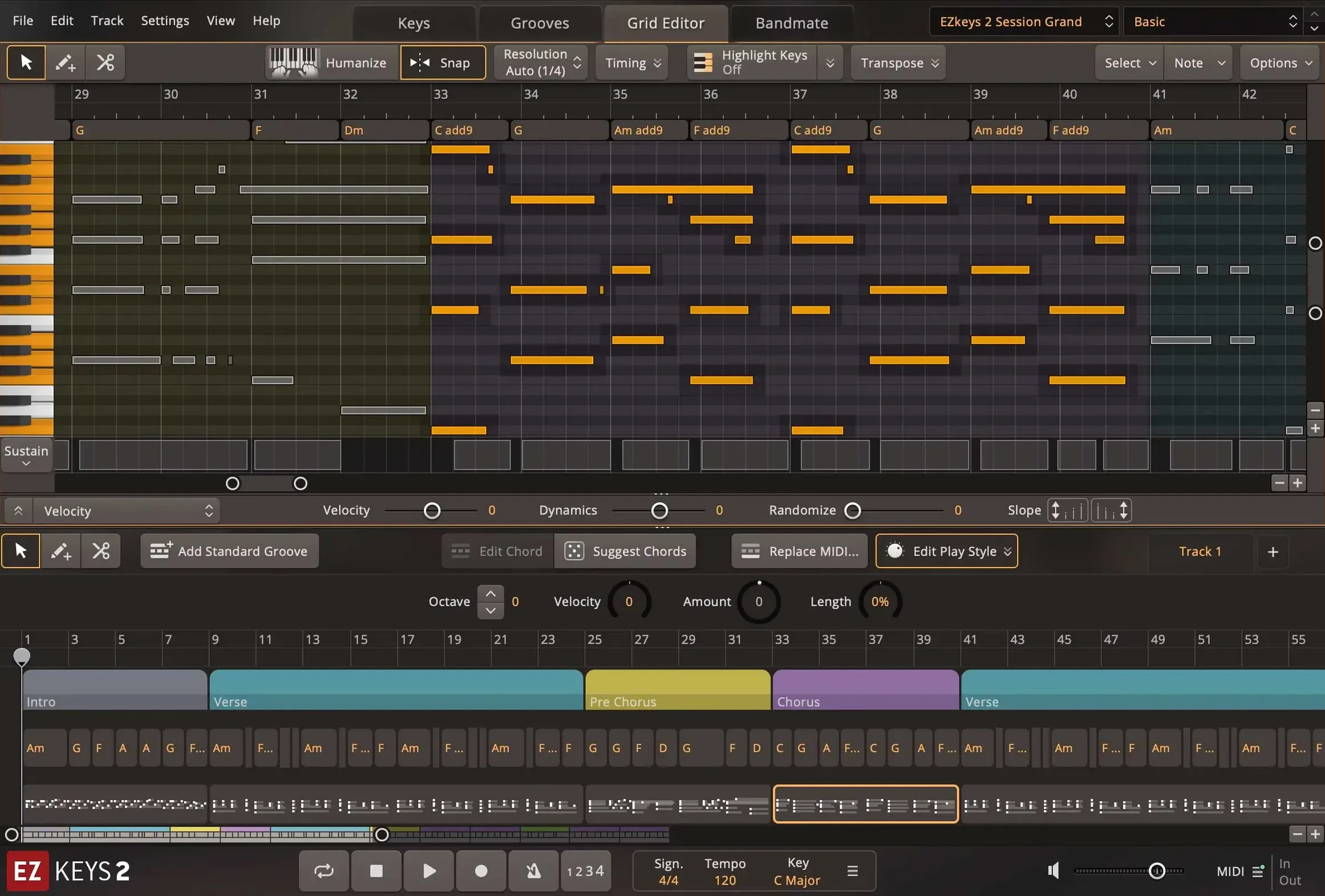
Right-clicking almost any MIDI block in the song track reveals a contextual menu packed with quick actions: split at playhead, double or halve tempo, humanise velocity, or flatten a phrase to a single chord for a pad-like wash. These are the sorts of shortcuts that save you from opening a separate MIDI editor for small adjustments, and they are easy to miss unless you are the kind of person who right-clicks everything out of habit.
Acts as a patchbay hub connecting to multiple corners of macOS
EZkeys fits into a production workflow less like a single-plugin island and more like a patchbay hub that talks to several corners of macOS at once. The standalone app is lightweight enough to keep open alongside Logic Pro or Ableton Live, which is useful when you want to audition MIDI ideas without loading a full project. Drag a MIDI file from the standalone browser straight to the Finder or onto a desktop folder, then pull it into any DAW later — macOS treats the exported phrases like any other file, so they land in Spotlight searches and can be tagged with colour labels.
As an AU and VST3 plug-in, it coexists with other Toontrack instruments without stepping on their RAM. If you run Superior Drummer 3 in the same session, the two share the same engine foundations, meaning the tap-tempo and grid-snap behaviours feel consistent when you hop between drum and piano parts. The resizable interface scales cleanly on Retina and non-Retina displays, and the updated project icon in version 2.1.5 now looks at home in the macOS Tahoe dock rather than sticking out with an older design language.
For anyone who composes with notation software, the MIDI export path is worth knowing. Write a progression in EZkeys, drag the MIDI into Dorico or MuseScore via the Finder, and the chord voicings arrive with velocity and timing intact. It is a round-trip that turns the app into a quick-idea scratchpad before the serious engraving begins.
Transistor Organ EKX support arrives without ceremony
Version 2.1.5 is not a flashy release, but it tidies up a few things that affect everyday use more than the bullet points suggest. The headline addition is support for the Transistor Organ EKX expansion, which means the EKX engine now spans acoustic piano, electric keys and a tonewheel-style organ within the same plug-in window. Switching from a grand piano sound to a rotary-speaker organ no longer requires loading a separate instrument track — it is a single click in the sound browser, and the MIDI phrases adapt to the new timbre without manual transposition.
Under the hood, the multi-core CPU improvements are most noticeable when you stack several EZkeys instances in a busy chorus. On Apple Silicon Macs, the plug-in now spreads its processing more evenly across performance and efficiency cores, which lowers the chance of a single core spiking and tripping the audio engine. In practical terms, that means fewer dropouts when you are running a full arrangement with drum samplers, convolution reverbs and three or four EZkeys tracks playing overlapping phrases.
The String Machine EKX got a small but welcome addition: an expression pedal knob now appears in the instrument controls view within the Keys tab. For players who use a continuous foot controller to shape string pads in real time, this brings the on-screen feedback in line with what the hardware is doing, which makes automation passes easier to read.
You can play sounds and export files without a DAW
Does EZkeys work on its own, or do I need a DAW? The standalone application runs independently on macOS, so you can play the piano sounds, browse MIDI phrases and export files without opening a host. Most people end up using the plug-in version inside a DAW for arrangement and mixing, but the standalone mode is fully functional for practice, sound design and quick idea capture.
If I am not a pianist, can I still get something usable out of it? The phrase library and chord tools are built precisely for that situation. You can construct a complete piano part by dragging MIDI blocks into the song track, transposing them with the Chord Wheel and adjusting the feel with the humanise function — all without playing a note on a keyboard. The Tap2Find feature even generates accompaniment from a tapped rhythm on a single key.
What is the difference between the core library and the MIDI packs? The core library includes the Fazioli grand piano sounds and a foundational set of MIDI phrases covering common styles. MIDI packs are genre-specific expansions — blues, gospel, cinematic and so on — that add new playing patterns recorded by different pianists. They require a working installation of EZkeys to load, and they appear in the same browser as the core content once installed.
Will the plug-in load old sessions after an update? The internal patch format has stayed consistent through the version 2 cycle, and the 2.1.5 build opens projects from earlier iterations without complaint. The only thing to watch is that any EKX expansion referenced in a session needs to be installed on the machine, or the track will show a placeholder until the missing content is present.
Version 2.1.5 adds an instrument expansion and polishes the Mac experience.
- Support for the Transistor Organ EKX is now included.
- The standalone and project icons have been updated to match the macOS Tahoe style.
- Multi-core CPU performance sees a lift, which is particularly noticeable on Mac systems.
- macOS 10.13 or later
- Apple Silicon or Intel 64-bit processor
Questions I keep hearing
Can EZkeys suggest chords from an audio recording?
Yes, the Bandmate feature can analyse audio or MIDI and generate matching chords and grooves, so a vocal line or guitar idea can quickly become the basis for a piano part.
Does EZkeys run natively on Apple Silicon Macs?
It does. The Mac build supports both ARM and Intel 64-bit processors, and it runs as a standalone application or as an AU and VST3 plug-in.
Questions from the class 0
Sign in or join the class to ask a question.
Nobody has asked anything yet. If you have used it on a real job, say what the file did.
Also on the VST Plugins shelf
The whole VST Plugins shelf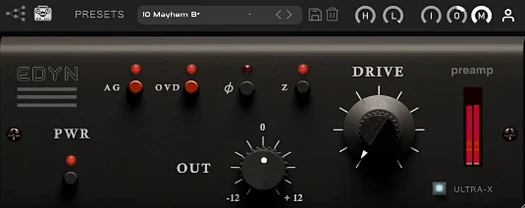 Tone Empire EDYN
Runs clean digital audio through a model of a revered vintage transistor preamp.
Tone Empire EDYN
Runs clean digital audio through a model of a revered vintage transistor preamp.
 Toontrack EZmix Bundle
Collapses whole chains of mixing effects into a single preset you audition like a radio dial.
Toontrack EZmix Bundle
Collapses whole chains of mixing effects into a single preset you audition like a radio dial.
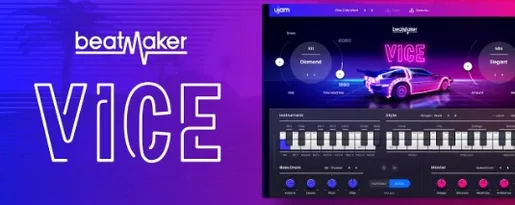 UJAM Beatmaker VICE
Supplies the crisp, gated drum sounds of 1980s synthwave and retrowave productions.
UJAM Beatmaker VICE
Supplies the crisp, gated drum sounds of 1980s synthwave and retrowave productions.
 uJAM Cinedream
Layers ambient guitar textures that sit beneath a scene rather than stepping into the spotlight.
uJAM Cinedream
Layers ambient guitar textures that sit beneath a scene rather than stepping into the spotlight.
 UJAM Symphonic Elements STRIIIINGS
Blends orchestral strings with processed textures for cues that breathe and move.
UJAM Symphonic Elements STRIIIINGS
Blends orchestral strings with processed textures for cues that breathe and move.
 Ultra Audio Ultra
Puts a wavetable synthesiser with simple controls onto your instrument track.
Ultra Audio Ultra
Puts a wavetable synthesiser with simple controls onto your instrument track.
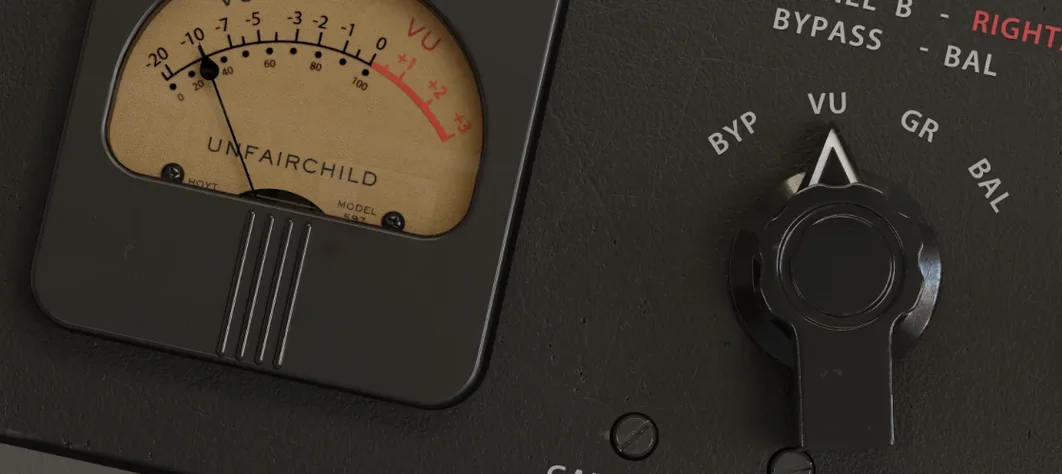 UnderTone Audio UnFairchild
Adds valve-style harmonic saturation you can season independently of the compression.
UnderTone Audio UnFairchild
Adds valve-style harmonic saturation you can season independently of the compression.
 T-RackS
Masters audio with virtual studio gear.
T-RackS
Masters audio with virtual studio gear.